①
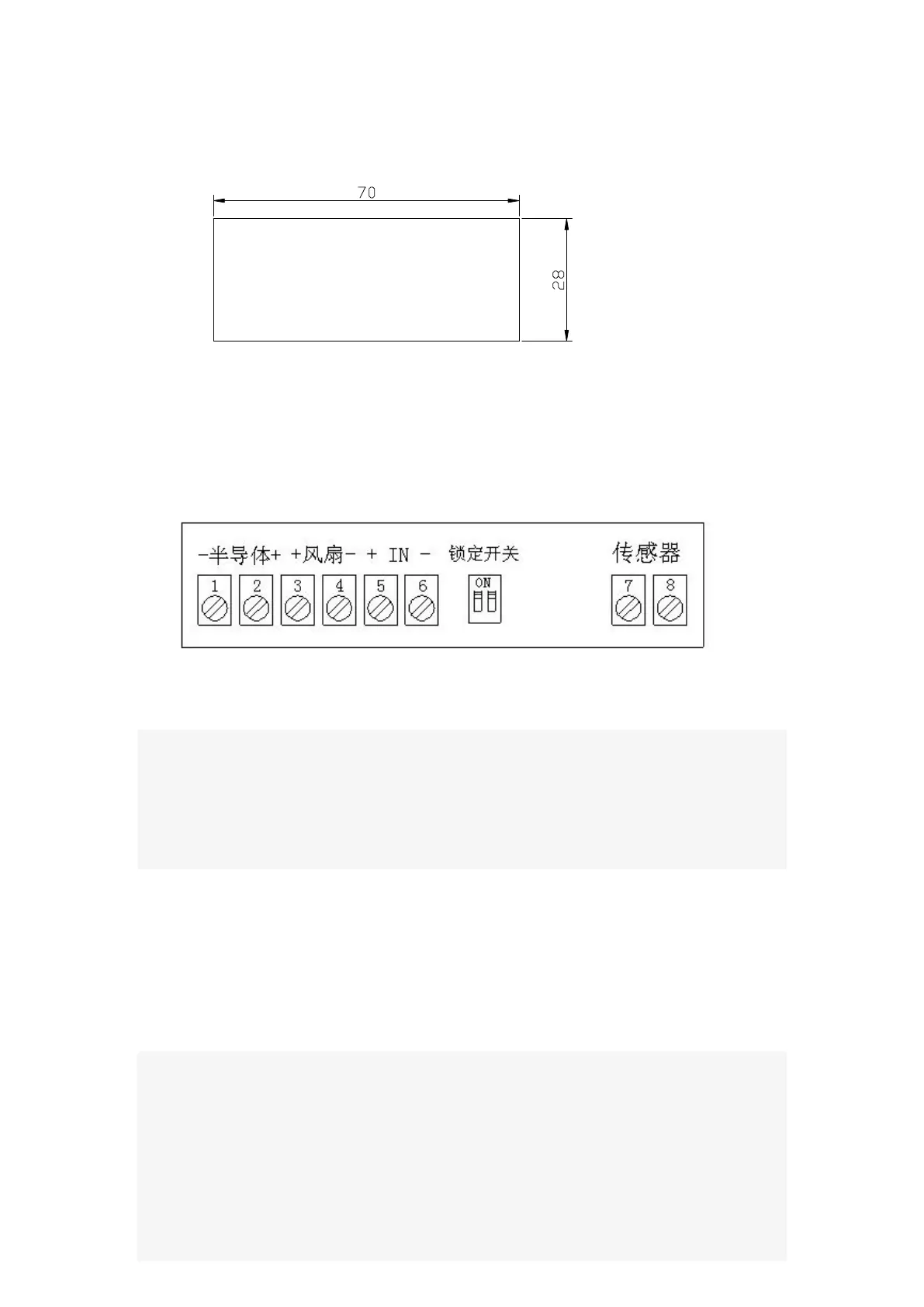
Installation opening size:
②
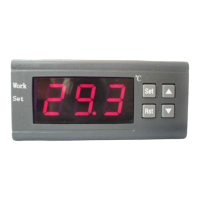
Wiring diagram:
Terminals 1 and 2: Connect the cooler
Terminals 3 and 4:
Connect fan
Terminals 5 and 6:
Connect the power
.Terminals 7 and 8:
Connect temperature sensor
Lock switch: If the 1 or 2 is switched to the ON position,
can lock the settled
control parameters.
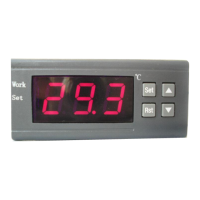
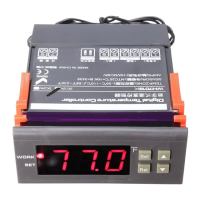
◆LED Status Description:
The WORK light is used as working indicator lights, flashing is to indicate the
delay of cooling or heating, if the LED is always on, it indicates it is on the
status of cooling or heating .
The SET light is used as setting indicator lights, if the LED is always on, it
indicates it is on the status of setting.
◆
Turn on or off the thermostat:
When it is wired up, the state of being acquiescent is power on.
Press RST key to switch on and off, press the RST key once on the power-off
state to turn it on. On the power-on state, press the RST key and hold on for
three seconds, then it will be off.


 To Next Page