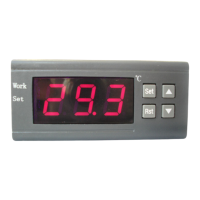
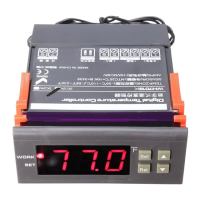
Advanced settings: (Only WH7016S+ has the following features)
Press SET and UP key and hold on for three seconds to enter the System
Advanced menu settings, press the ▲ or ▼ key to select the adjustment menu,
press SET key once to enter the appropriate parameter settings, press ▲ or ▼
to adjust the parameters needed to be modified. After being adjusted, press
the RST key to exit,
CODE Functional Description RE
C/F Celsius, Fahrenheit selection
C:Celsius, F:Fahrenheit
ST Conditioning step
01:Conditioning step 0.1 Degree
10:Conditioning step 1 Degree
⑥ Errors indications:
1) When the sensor disconnected, the screen displays EEE, and close the
output
2) When the sensor detects the temperature is below the lowest temperature
that could be detected, the screen displays LLL.
3) When the sensor detects a temperature higher than the Maximum
temperature that could be detected, the screen displays HHH.
⑦ Caution for using:
◆ Please connect the correct operating voltage, the machine normally works
under the standard input voltage within range of ± 10%.
◆ The load power should not exceed the maximum thermostat control power,
when exceeding please connect external AC contactor.
◆ Please connect the power load correctly and the sensor, or it will damage
the thermostat, when connect the wrong line .
◆ Please do not put the sensor lines and power lines in parallel, power line
noise affects the accuracy of the measurement.


 To Previous Page
 Loading...