Customer support:support@wimaxit.com Website:www.wimaxit.com
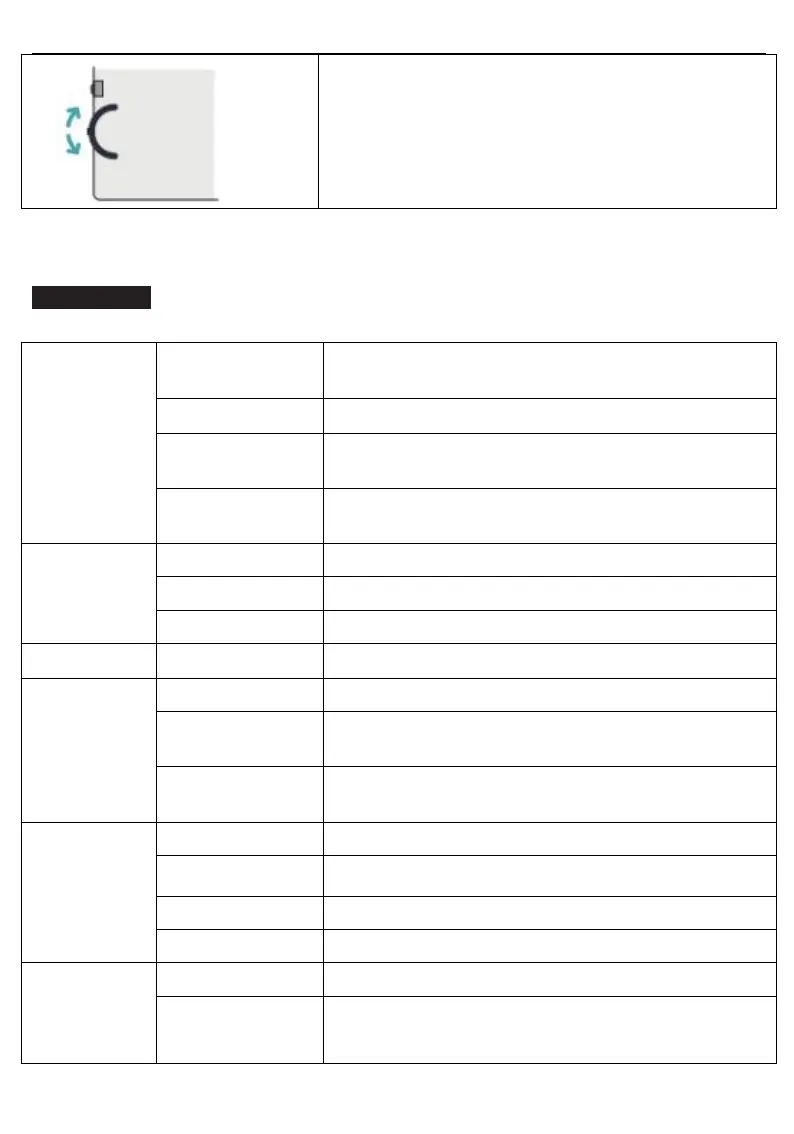
Push wheel button up/down and hold it for 2 seconds:
Push up to increase brightness
Push down to decrease brightness
Note: Make sure to save your settings via the Wheel Button before closing the menu.
Menu Settings
Select brightness level between 0(lowest) to
100(highest)
Select contrast level between 0(lowest) to 100(highest)
Select black-equalizer level between 0(lowest) to
100(highest)
Select View Mode Settings (Standard,Performance
Mode, FPS, RTS)
Select Saturation levels 0 to 100
Select hue levels 0 to 100
Reset all settings to factory default
Select from the following(Auto, Off, On)
Select the following(Auto, HDMI, TypeC)
Select language (English, Esp., Ita., Fra., Deu., 日本
語 , 한국어,Pyc., 简体中文, 繁体中文)


 To Next Page