¡
¢£¤¡
±¥
¦£¦
~ §
¤¤
¨
§
~©
¤
¤¢
ª©ª
≈
①
②
③ «
④
©
£
©
☆¦
¡
©
O WiMjUS
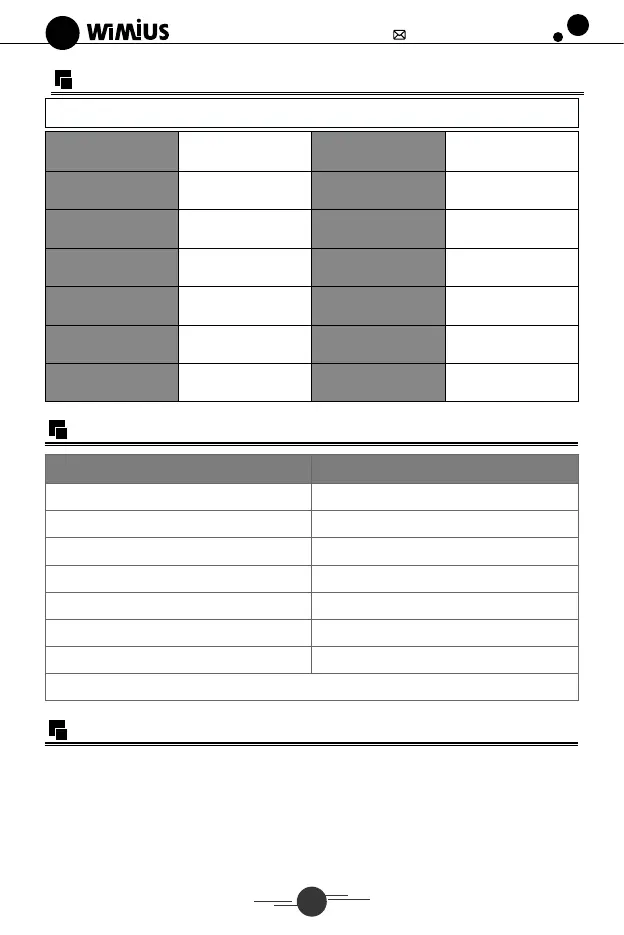
Specifications
support@wimius.com
Model No.: K3
Imaging System
Light source
Color
Projection Distance
Projection size
Aspect Ratio
LCD
LED
16.8M full color
1.5•M
50-300"
16:9 14:3
Power
Dimension
Resolution
Input Interface
Zoom Function
Output Interface
Projector Weight
110-240W50/60HZ
31*23.6*11.5CM
Native 1920*1080
Full HD
HDMI*2/VGA/AV/
USB*2/AUDlO IN
AUDIO OUT
2.5kg
Keystone Correction
± 150Vertical Manual
Projection Size Chart
Distance
1.5m
1.75m
2.4m
3.3m
3.9m
5.5m
7m
Optimum projection distance: 3m
Operating Instructions
1.Getting Started
Screen size
35"
50"
72"
100"
120"
180"
300"
(J)Connect the projector with the power through power supply cable.
After power on, the indicator light on the projector turns red.
O Press the "power" button on the back of the projector, or the power button on the
remote control, it starts work. (Red light turns white)
Then boot screen appears, like the picture.
06



 To Next Page