6. Settings
A. Turn the camera on and click on settings icon in the lower-right corner of the screen to enter
the settings menu.
B. In the settings menu, you can set in the dierent shooting mode and the submenu will dier.
C. Shooting mode setting: includes resolution, white balance, color, ISO and exposure, etc.
D. System setting: includes date/time, language, format and screen save, etc.
7. Playback
Click on the icon in the bottom-left corner of the screen and you can go into the playback
mode. Also, you can delete the current le by clicking the icon .
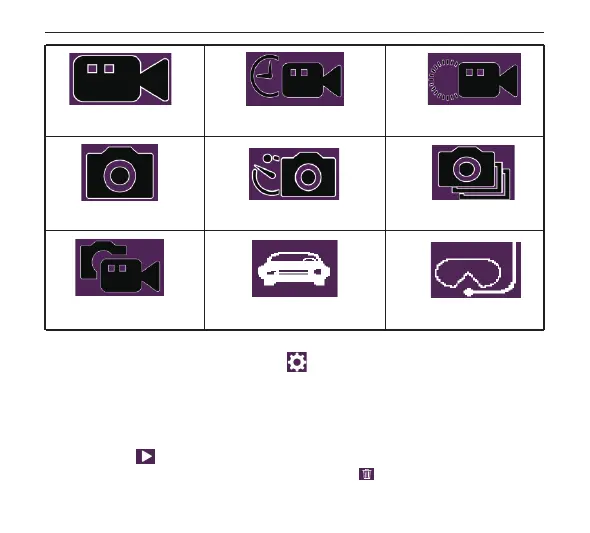
Normal Video
Normal Photo
Video + Photo Car mode Aqua mode
Photo lapse Sequence
Time-lapse record Slow motion
English
1 2 3 4
6 7 8 9 10 11 12
13 14 15 16 17 18 19 20
21 22 23 24 25 26 27 28
29 30 31 32 33 34 35 36
37 38


 To Next Page