7
Powering ON/OFF your tablet
To power on your tablet
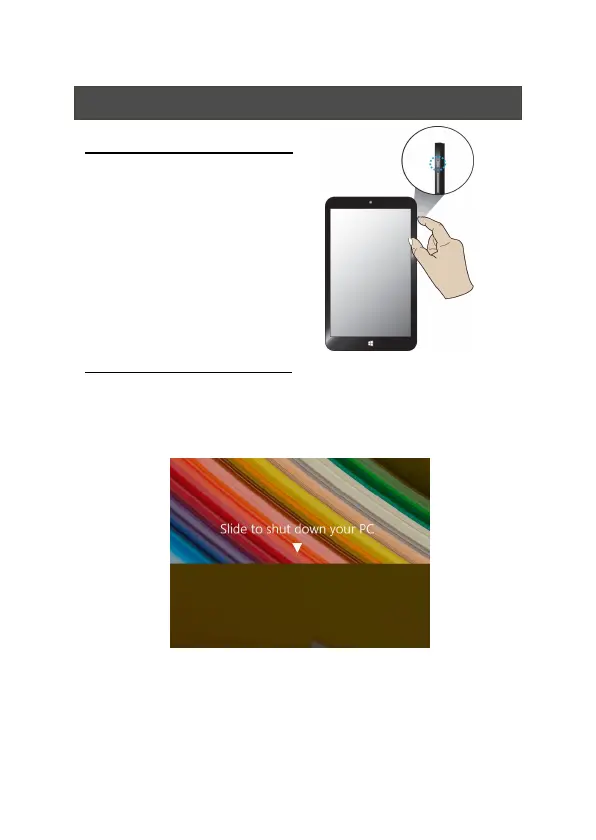
Press and hold the power button down
until the screen turn on.
To power off your tablet
Press and hold the power button for at least four seconds,
and you will see an instruction appears in the middle of the
screen, which is as shown below.
Slide your finger on the screen downward, and the system
will power off itself.



 To Next Page