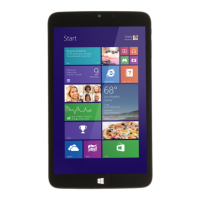
Need help?
Do you have a question about the Winbook TW802 and is the answer not in the manual?
Press and hold the power button until the screen turns on.
Press and hold the power button for at least four seconds for shutdown.
Hold tablet front-side up and insert the micro SD card in the shown direction.
Push and release the micro SD card to unlock, then pull it out.
 General
| Operating System | Windows 8.1 |
|---|---|
| Display Size | 8 inches |
| Display Type | IPS |
| Display Resolution | 1280 x 800 |
| RAM | 2 GB |
| Internal Storage | 32 GB |
| MicroSD Slot | Yes |
| Rear Camera | 5 MP |
| Front Camera | 2 MP |
| Battery | 4000 mAh |
| Wireless | Wi-Fi 802.11 b/g/n |
| Bluetooth | Bluetooth 4.0 |
| Processor | Intel Atom Z3735G |
| Weight | 363 g |
| Dimensions | 9 mm |
| Ports | Micro USB |


 To Next Page