14
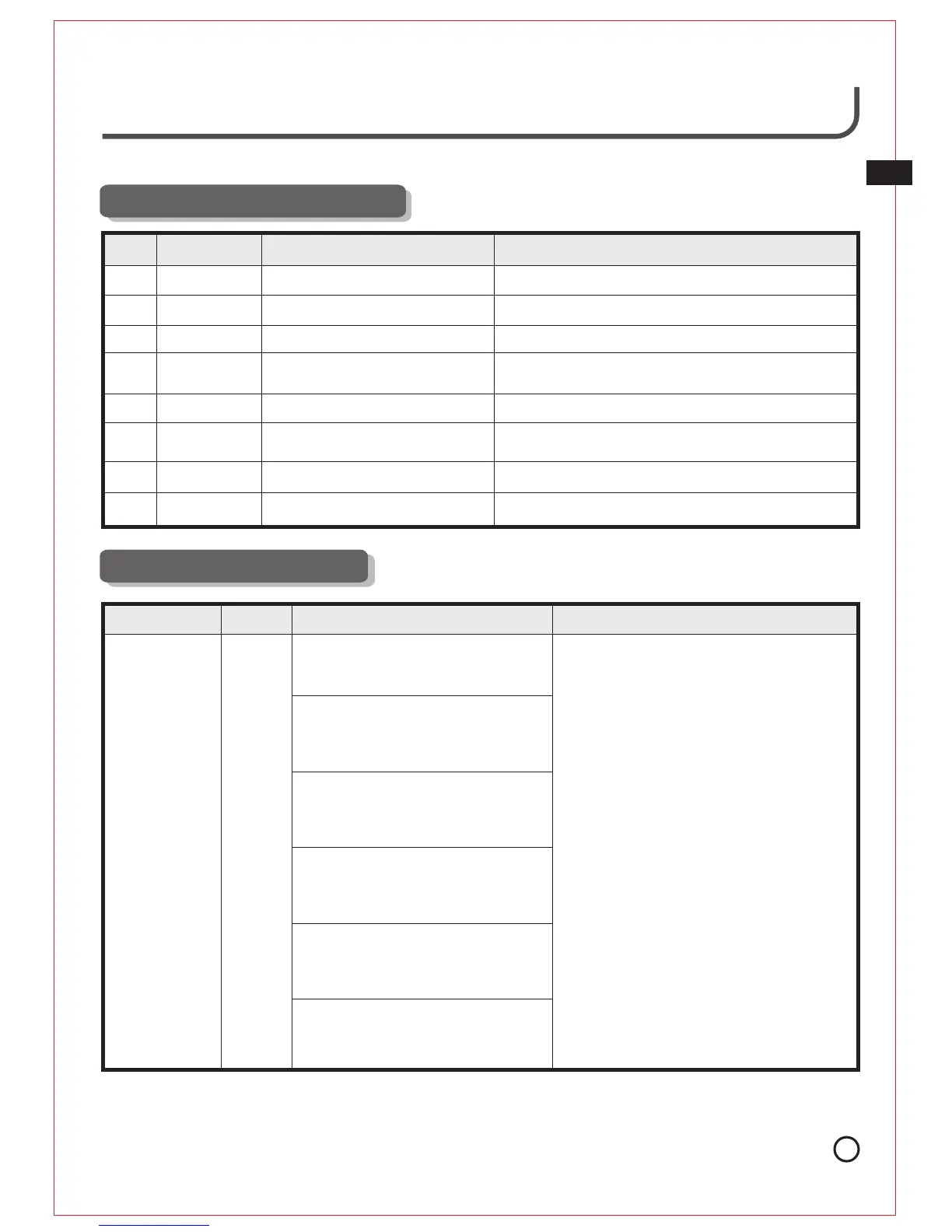
9. Alarm & Solutions
1. Turning WINBOT ON when not
plugged into receptacle.
Toot, toot
2. While cleaning the window,
WINBOT becomes disconnected
from the Power Source.
3. Vacuum is leaking at the cupule.
4. Bumper is pressed against the
window frame and raised;
Red
indicator
light
flashes
5. Window is too small for WINBOT
to clean.
6. The window frame is too thin.
8. Meaning of Indicators
NO.
Sound
1
2
3
4
5
6
7
Emits *ding dong
*Tone
Indicator Light
None
Indicator Light Flashes Green
Indicator Light Flashes Blue
Indicator Light steady Green
Meaning
WINBOT has been connected to power.
WINBOT has first been placed on window and has
successfully suctioned itself to the glass
WINBOT is in the process of cleaning the window
Emits double
Tone
Emits Soung
Indicator Lights steady Red
Back up battery is charging
Back up Battery is Fully Charged
Alarm Sound Light Causes Solutions
Live Smart. Enjoy Life.
None
None
None
None
Indicator Light steady Blue
Indicator Light Flashes Blue
WINBOT has finished cleaning the window and is
ready to be removed.
8
Emits double
Tone
Indicator Light Flashes Red
WINBOT may need to be moved or reset. Please
refer to Alarm and Solutions Section.
WINBOT has a problem and requires our
Service Center.
1.Connect unit to the Power Adapter and
plug into the receptacle.
2.Plug the Power Adapter back into the
receptacle.
3.Remove WINBOT from the window and
turn the power switch OFF (far left).
Turn the unit over, inspect the Cupule
for dirt stuck on the Cupule's surface.
Gently clean the surface with a soft
damp cloth to make it smooth again.
Check the window to make sure there
is no hard debris that would affect the
Cupule.
4.Use the Remote Control to move the
WINBOT away from the window frame by
pushing Arrow buttons.
5.The smallest window WINBOT can
automatically clean is 60cm (24'') high
by 45cm (18'') wide.
6.The window frame thickness must be
over 5mm (0.2'').
If problem persists, please contact our
Service Center.
EN


 To Next Page