Read this Entire Instruction Manual Before Use.
For your reference:
Serial No. Date of Purchase
Name and Address of Dealer
BEFORE INITIAL USE
Attach your purchase receipt here
PLEASE KEEP YOUR RECEIPT.
YOUR RECEIPT IS YOUR PROOF OF
PURCHASE AND IS NECESSARY FOR
WARRANTY SERVICE
OPERATING INSTRUCTIONS
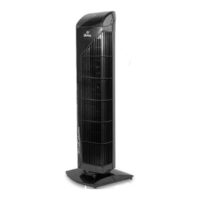
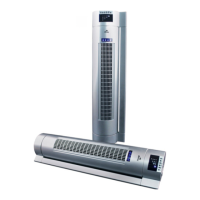
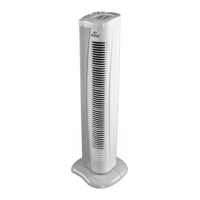
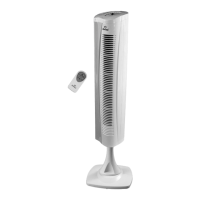
The unit can be operated by the Control Panel or the Remote Control.
The unit will beep each time a button on the remote or control panel is
pressed.
1. POWER
Press to turn the fan ON or OFF.
2. SPEED ( )
Press to select between Low, Medium or High fan speeds. The speed selected
will be indicated by the corresponding LED lights - Low
( ), Medium ( ) or High ( ).
3. TIMER
Press the Timer + to activate the timer function. Each press adds 1 hour to a
maximum of 12 hours. The time can be adjusted down by pressing the Timer -
button. Each press lowers the time by 1 hour.
The change in time can be seen on the FND display.
4. OSCILLATION
Press to operate the oscillation function. Press again to turn off the oscillation
function.
4. MODES ( / )
Natural ( ) and Sleep ( ) Wind Modes both run under a preset rhythm. The
only difference is that the fan speed will go a step down every 30 minutes in
Sleep Mode.
For example, the fan is running on HIGH speed while in SLEEP MODE:
HIGH (Natural Wind) for 30 min. - MED (Natural Wind) for 30 min. -
then the fan will continuously run on LOW (Natural Wind).
In MEDIUM speed while in SLEEP MODE:
MED (Natural Wind) for 30 min. - then the fan will continuously run on LOW
(Natural Wind).
In LOW speed while in SLEEP MODE the fan will continuously run
on LOW (Natural Wind).
NOTE: The timer can be used while running any of the Wind Modes
Pressing the Mode Button while on Sleep Wind Mode will turn off the Mode
Function.



 To Next Page