AN-203A Water Level Monitor User Manual
8
4.3 Wireless configuration
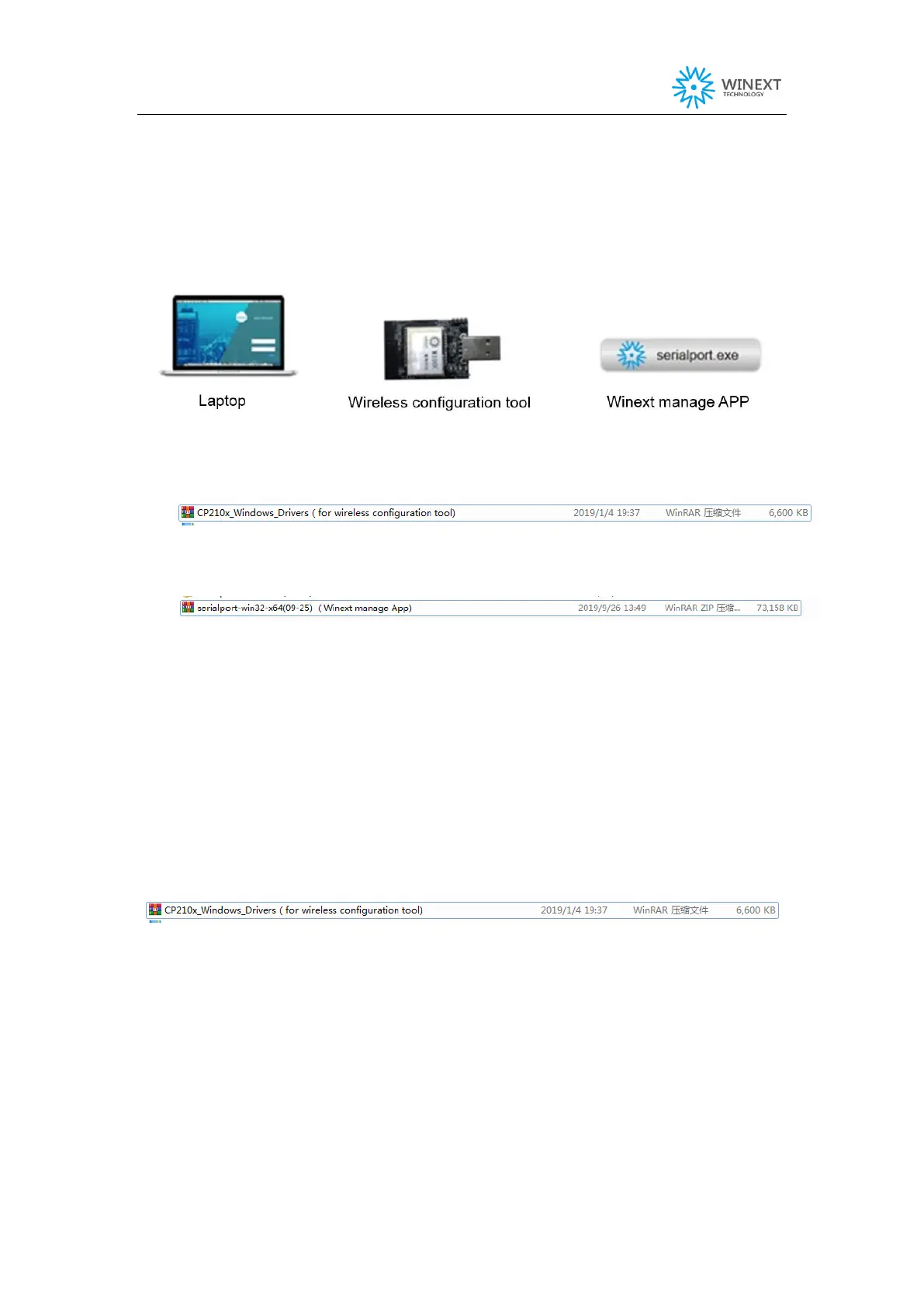
4.3.1 Configuration tool
a) Install the CP210x driver for wireless configuration tool, file as below:
b) Install Winext manage App, file as below:
4.3.2 Install CP210x driver for wireless configuration tool
(1) Open CP210x driver for wireless configuration tool
(2) Select the driver program to install depending to the system type.
32-bit operating system selects “CP210xVCPInstaller_x86.exe”.
64-bit operating system selects "cp210xvcpinstaller_x64.exe".


 To Next Page