EasyManua.ls Logo

Winmate R15L600-MRA3FP - User Manual

Winmate R15L600-MRA3FP
64 pages
Print Icon
To Next Page IconTo Next Page
Loading...
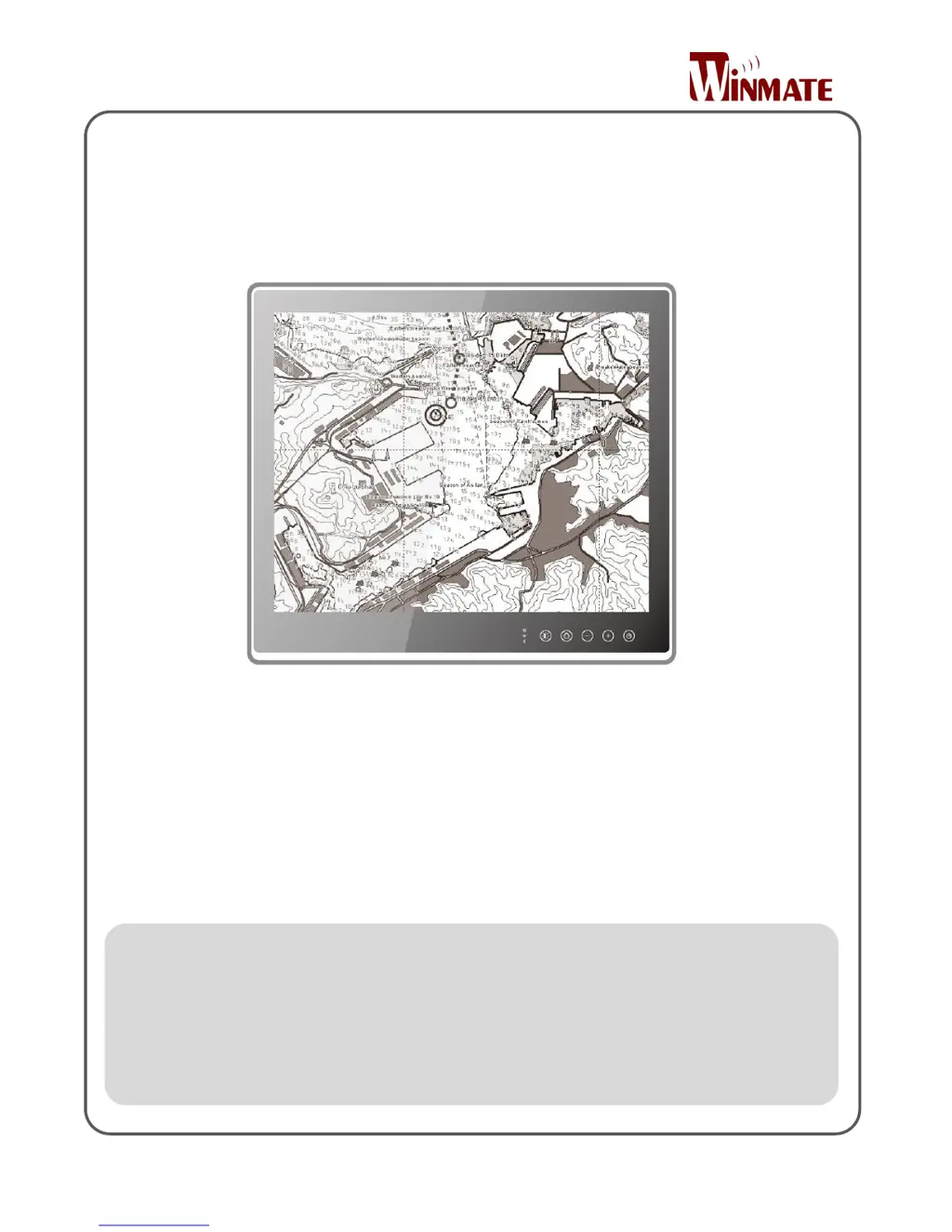
Marine Display
15/19/24/26Flat PCAP Touchscreen
ECDIS Series
Model No.:
R15L600-MRA3FP
R19L300-MRA1FP
W24L100-MRA1FP
W26L100-MRA1FP
User Manual
Version 1.0
Document Part Number: 9152111I101E

Table of Contents

Other manuals for Winmate R15L600-MRA3FP

Questions and Answers

  • E
    Emily ReevesAug 11, 2025
    How to fix Winmate Marine Equipment when the picture does not appear?
    • K
      Kevin AlvarezAug 11, 2025
      If the picture does not appear on your Winmate Marine Equipment, first ensure the signal cable is firmly seated in the socket. Then, verify that the computer's power is turned on. Lastly, check if the brightness control is set appropriately, ensuring it is not at the minimum.
  • D
    David HintonAug 17, 2025
    What to do if Winmate Marine Equipment screen is shaking or waving?
    • R
      randy59Aug 17, 2025
      If your Winmate Marine Equipment screen is shaking or waving, try the following: 1. Use the auto-adjustment control. 2. Move any objects emitting a magnetic field (like motors or transformers) away from the monitor. 3. Check that the correct voltage is being applied. 4. Verify that the computer system's signal timing is within the monitor's specifications.
  • A
    Amanda CarpenterAug 23, 2025
    Why is the screen not synchronized on my Winmate Marine Equipment?
    • V
      Virginia MarshallAug 25, 2025
      If your Winmate Marine Equipment screen is not synchronized, make sure the signal cable is firmly seated. Confirm that the output level matches your computer's input level. Also, ensure the computer system's signal timings are within the monitor's specifications. If you previously used a CRT monitor, check the current signal timing and turn off your computer before connecting the VGA cable to this monitor.
  • T
    Tyler AndersenAug 29, 2025
    What to do if Winmate Marine Equipment screen is too bright or dark?
    • J
      John HarrisAug 29, 2025
      If your Winmate Marine Equipment screen is too bright or too dark, check that the brightness or contrast control is at the appropriate position, and not set to the maximum or minimum.
  • B
    Brian PetersonSep 4, 2025
    How to center the screen position on Winmate Marine Equipment?
    • G
      gibsonrobertSep 4, 2025
      If the screen position is not centered on your Winmate Marine Equipment, adjust the H-position and V-position, or perform the auto adjustment.

Winmate R15L600-MRA3FP Specifications

General IconGeneral
BrandWinmate
ModelR15L600-MRA3FP
CategoryMonitor
LanguageEnglish