10
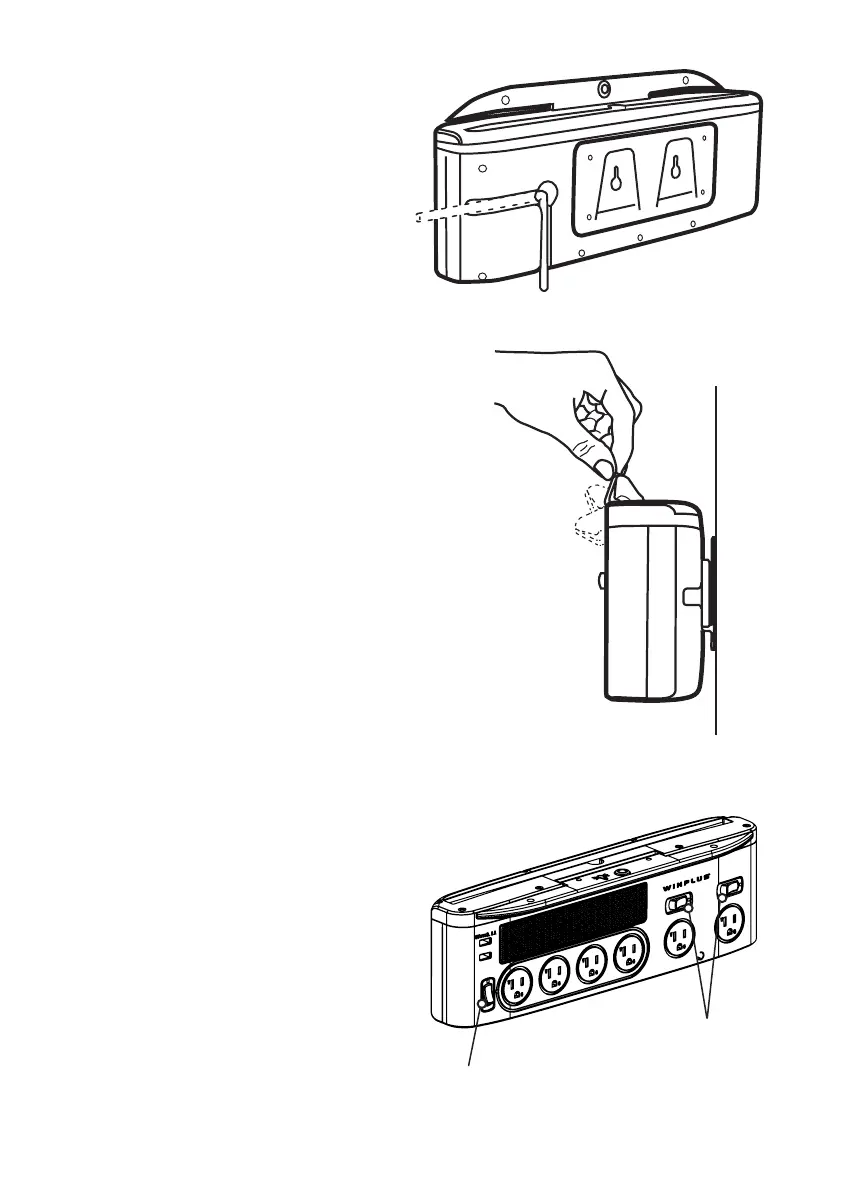
Power cord direction
Power cord slot is provided in the
back of power station. You may
choose either direction to route the
cord as needed.
Using the LED work lights
1. Switch the master power switch on.
to the desired position.
once to turn to low light setting.
Press the second time to turn to
high setting. Press once more
Using the Power Sockets
and the red lights in the switches
are not illuminated
2. Plug your device in to the
power station
3. Switch the power switches on
4. When you have nished using the
Power Switch for
for wide-spaced outlet


 To Next Page