EasyManua.ls Logo

Winplus Power Station - Using the Bluetooth speaker

Winplus Power Station
40 pages
Print Icon
To Next Page IconTo Next Page
To Previous Page IconTo Previous Page
Loading...
11
Using the Bluetooth® speaker
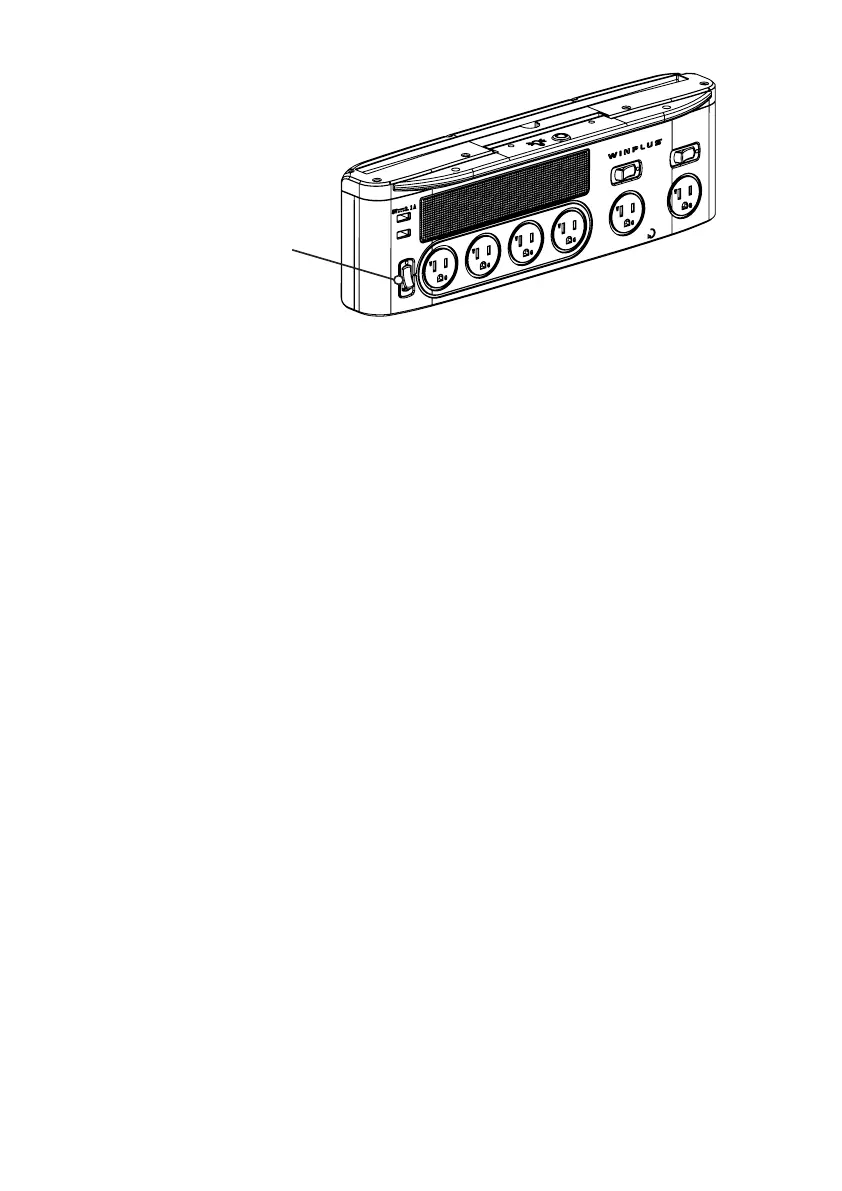
1. Turn on the Bluetooth® speaker with the master power switch (refer to the
above gure).
2. Turn on Bluetooth® function on your device, and search for the Bluetooth®
speaker “Winplus 
connection).
3. Once the Bluetooth® speaker has been detected, select it to connect.

5. Once connected, you can play the music through the Bluetooth® speaker


turned on again when the call is nished.


hold or place the Power Station near the ears.
Master Power Switch