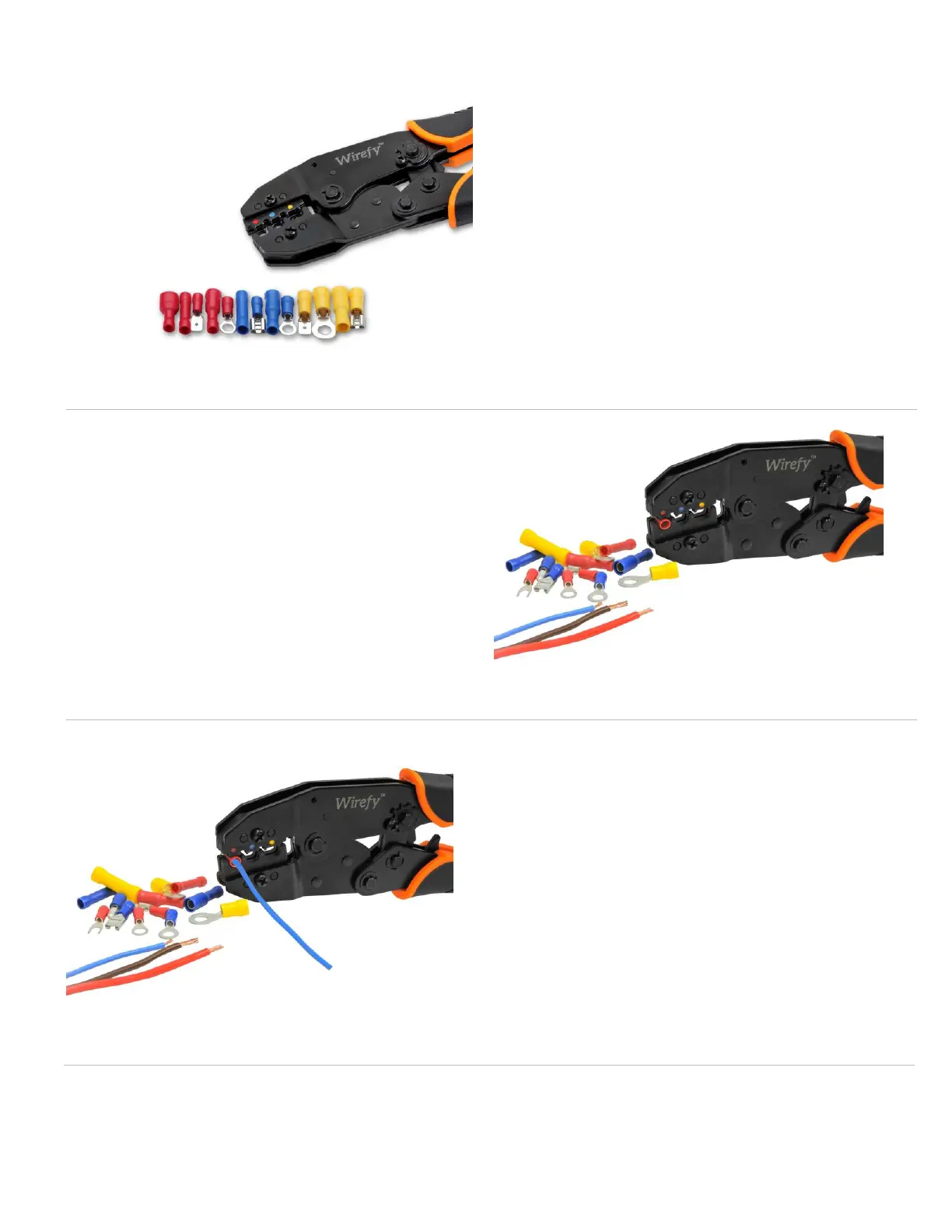
2. Insert the connector
into the tool
Once the connector is inserted into the
die nest, tighten down faintly until you
hear the first ratchet click. The terminal will
be held in place, so next you can insert
your wire.
1. Choose the right
connector size
Start off by picking the right connector size
for your wiring project. Your crimping tool
has 3 die nests that are color marked.
Insert the connector into the color
matching die nest.
3. Insert the wire into
the connector
Insert the stripped wire into the connector
barrel. Hold the wire with your hand to
ensure it does not slip out of the
connectors until the crimp is finished.


 To Next Page