10
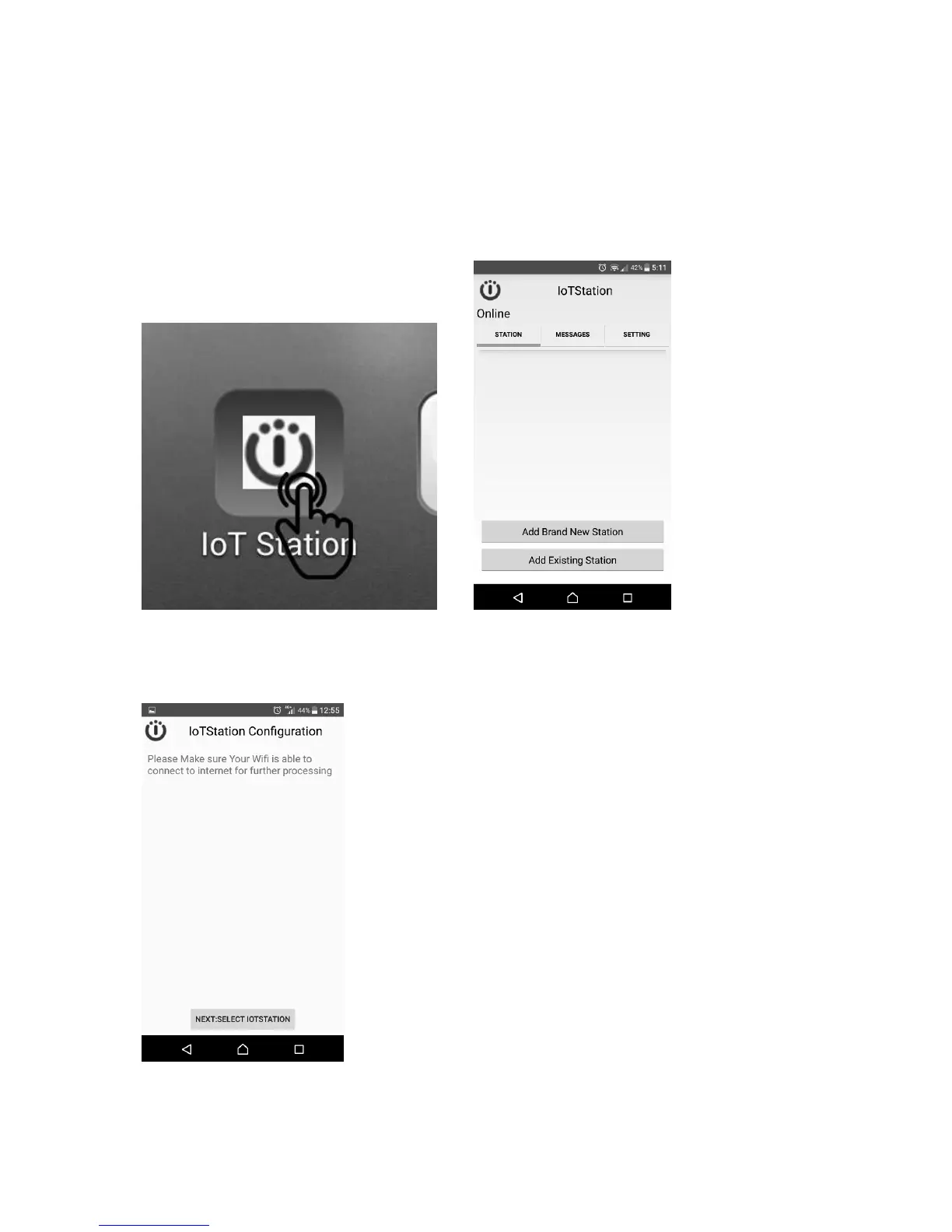
6-2. Step2: After completing download IoTStations APP. Then install the IoTStation app.
6-3. Step3: Open the IoTstation App and click on "Add Brand New Station"
(1
st
time to set-up must click Add brand New…..)
Also plug new one and more one click Add Existing ststion(s).
Please make sure your mobile device is connected to a WiFi, the same WiFi will be used
to connect to IoTstation.
6-4. Step4: Click on "NEXT:SELECT IOTSTATION"


 To Next Page