12
Then click on the "SAVE,NEXT:CONNECT TO WIFI".
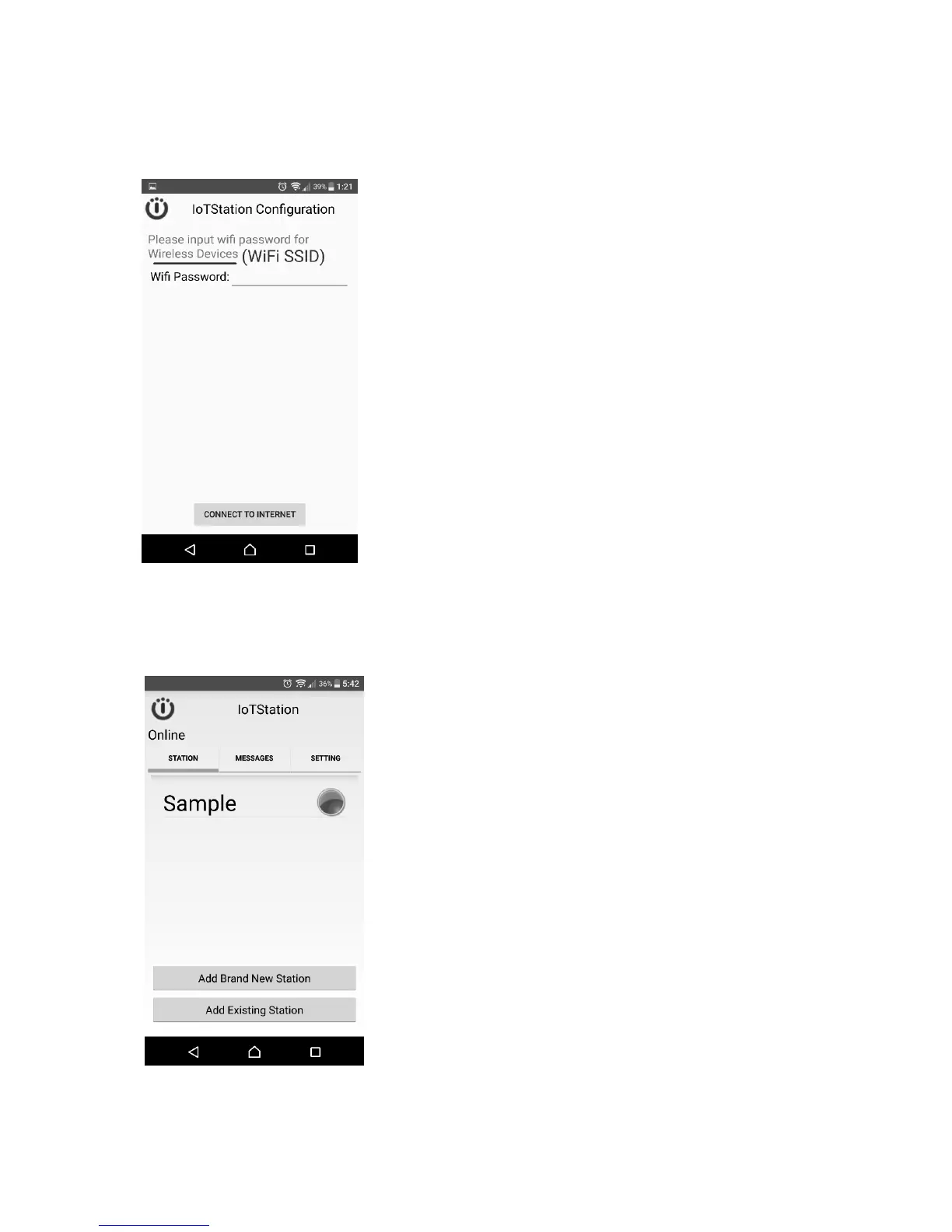
6-6. Step7:Please Enter the Password for your Wi-Fi.
See your Wi-Fi password. Then key-in that. and click [Connect to internet].
If the Wi-Fi A/P no need password just click [Connect to internet].
After successfully setting the IoTStation, you should see a new IoTStation added here.


 To Next Page