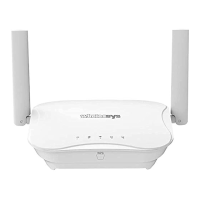
Q2. How to install Wirelessys Mesh Router using a
computer?
STEP 1:
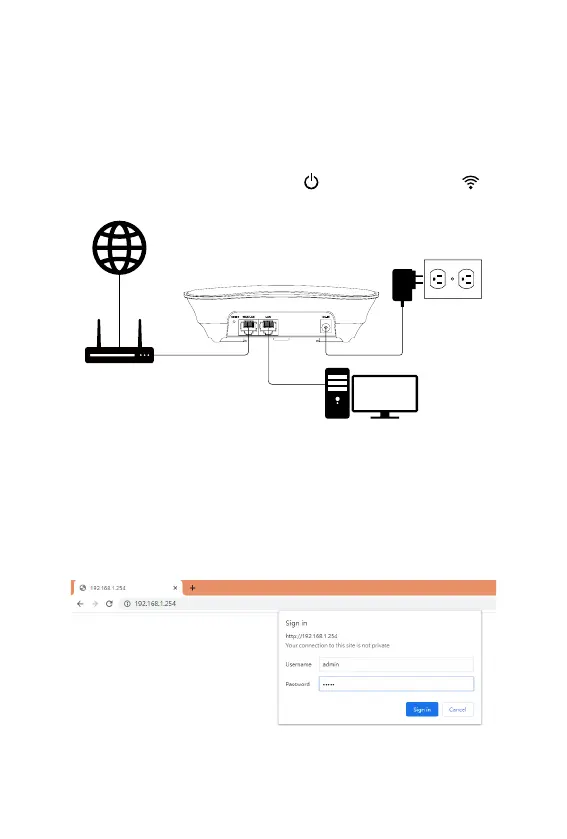
Please use a network cable to connect the computer and the
modem, plug in the power and turn on.
Wait for the Power / Status indicator and Wi-Fi indicator of the
Mesh Router to solid on, and then you can start setting.
WAN
VDSL/Cable modem
LAN
Power Adaptor
STEP 2:
Set up the Master Router:
Open your browser, enter 192.168.1.254 in the address bar, then
enter Username & Password (admin / admin) in the dialog window,
and press the Sign in button.



 To Next Page