Need help?
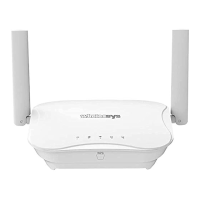
Do you have a question about the wirelessys MR120 and is the answer not in the manual?
Select routers, prepare SIM/Ethernet, power on, and place units near phone.
Optimize placement and avoid interference for best Wi-Fi performance.
Connect to modem/computer via cable, power on, and access router interface.
Select Master mode, configure Quick Setup (connection, names, password), and save.
Download Wirelessys app, grant permissions, and scan router QR code.
Connect to Wi-Fi, name router/network, set passwords, and confirm.
Select number of satellites, place, power up, and scan QR code.
Connect satellite to Wi-Fi, name its location, and confirm network.
View network map, check signal strength, and finalize setup.
Access advanced settings, parental controls, and view router status.
 General
| Brand | wirelessys |
|---|---|
| Model | MR120 |
| Category | Network Router |
| Language | English |


 To Next Page