STEP 9:
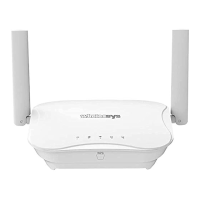
Device to use with Wirelessys
Wirelessys-XXXXX-YYYYYY (Wi-Fi SSID)
Please check if this Wi-Fi SSID is the same
as the label on the bottom of the Router?
If they are the same, press "
Connect
".
STEP 10:
Where is your Wirelessys?
Please choose the place where Router
wants to place, or press “
Add Label
” to give
Router a friendly name.


 To Next Page
