STEP 19:
For Example : Administrator login password,
set to “admin”,
(It is recommended that you change this
password to prevent unauthorized changes
to the router settings.)
Press
NEXT
> at the bottom right to continue.
STEP 20:
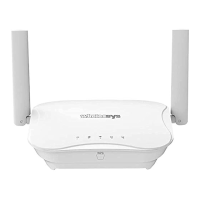
Connect with your Wirelessys:
» MR120: Please use Ethernet Cable. One end
is connected to the WAN port of the MR120
Master and the other end is connected to a
valid Internet network, such as ADSL, VDSL,
Cable Modem’s LAN port.
» TM120: Before installation, you should have
a valid 4G LTE SIM card inserted. See Q1:
A1-2 description. If you do not have a SIM
card suitable for Internet access, please use
Ethernet Cable to connect like MR120.
Press
NEXT
> at the bottom right to
continue


 To Next Page
