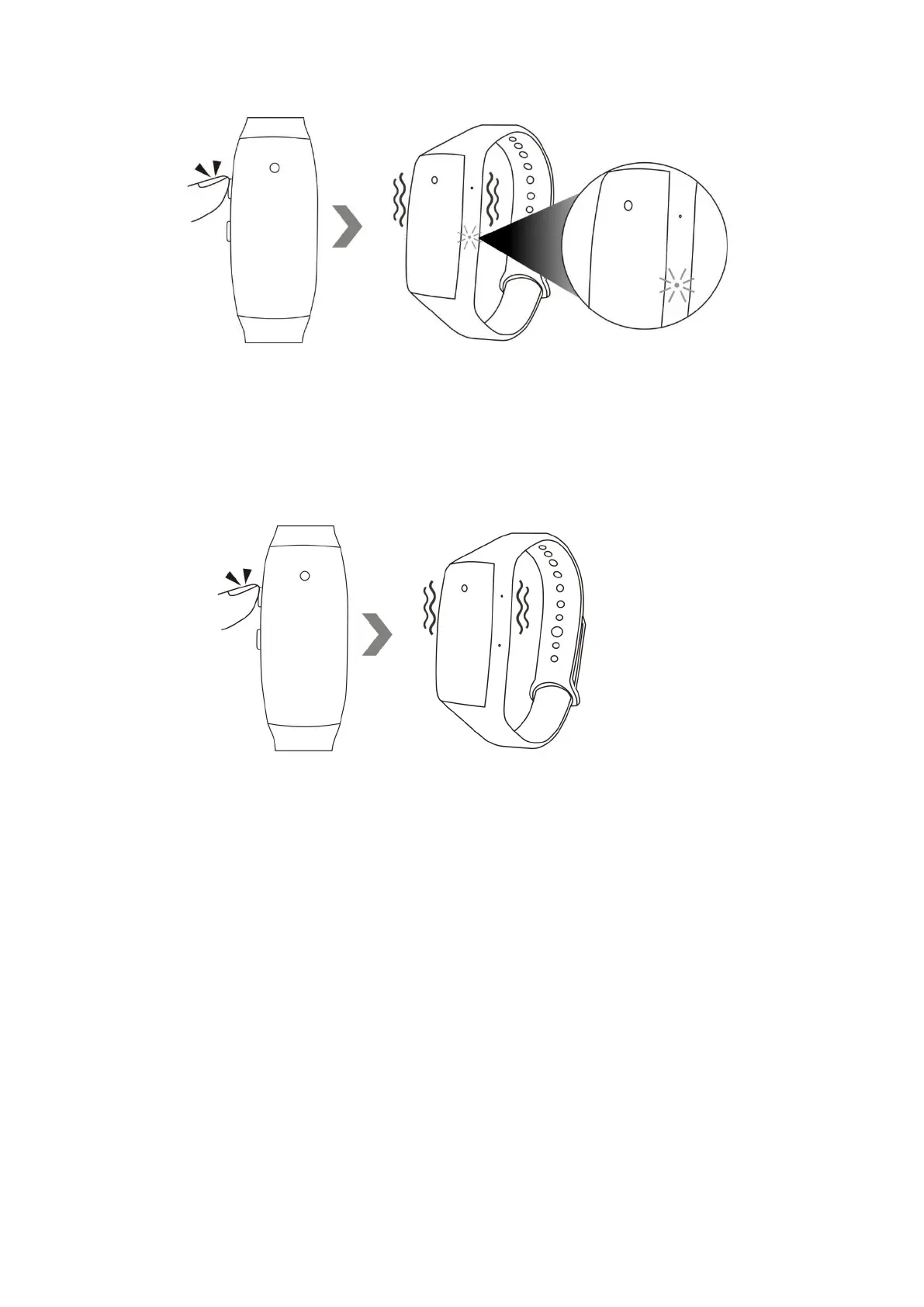
4.4 Hold down the power button for 3 seconds to turn off the camera. The camera will vibrate once
and the red indicator light will go off.
Note: The camera will shut down automatically if it is in standby mode without any operation more
than 1 minute.
V. Photograph
5.1 Hold down the power button for 2 seconds to turn on the camera, the camera will vibrate once,
the red indicator light will be solid on, indicating that the camera has entered into standby mode.


 To Next Page