7.4 Removable disk drive appears, all the files can be accessed on the disk drive.
VIII. Set Date and Time Stamp
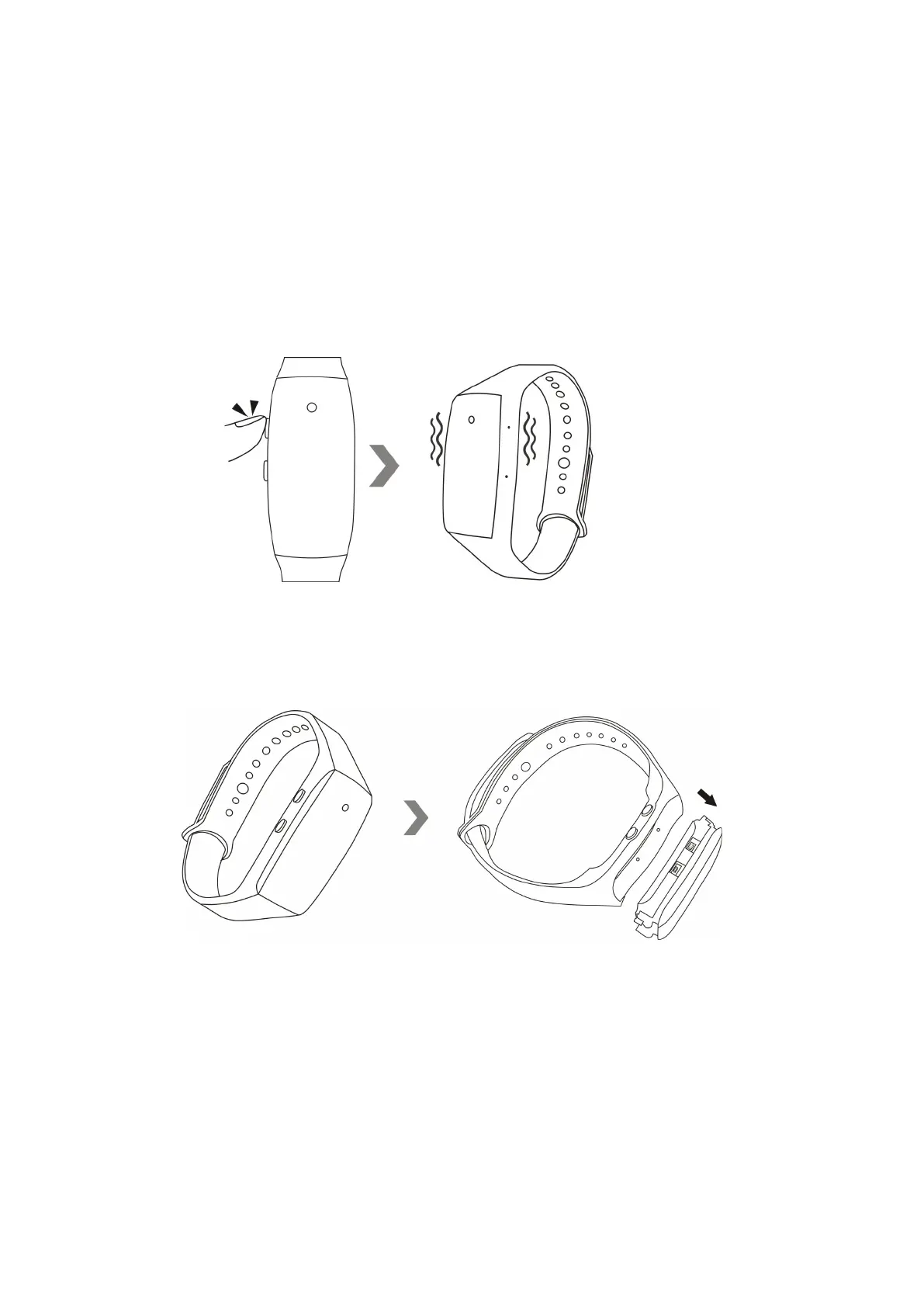
8.1 Hold down the power button for 3 seconds to turn off the camera. The camera will vibrate once
and the red indicator light will go off.
8.2 Remove the wristband sleeve to reveal the camera body.
8.3 Connect this camera to a computer with the USB cable attached.


 To Next Page