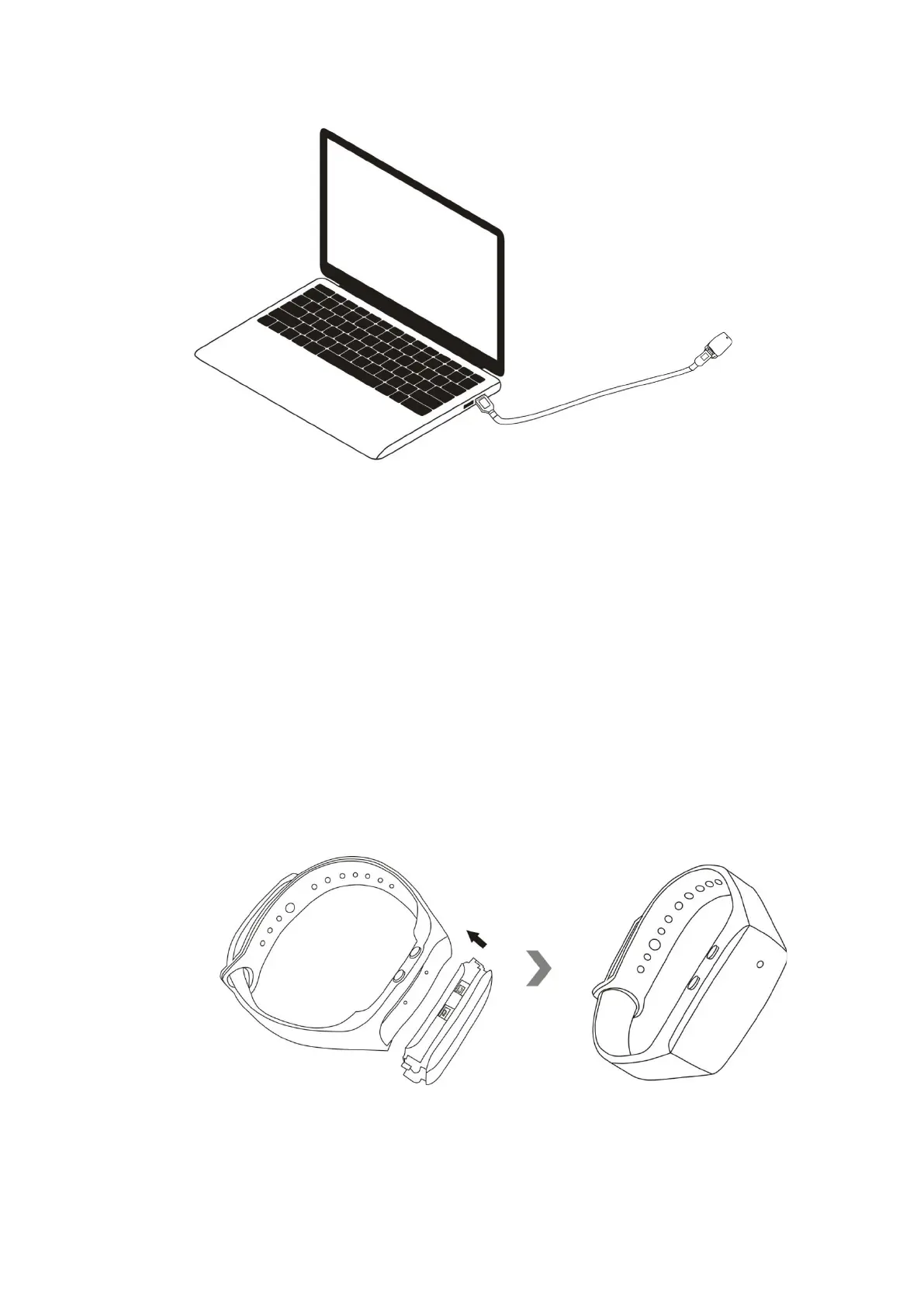
8.4 Removable disk drive appears.
8.5 Click on the drive in the root directory, click or create a file named “TIME.txt” inside the root
directory.
8.6 Input the current date and time in the “TIME.txt” file with the correct format:
YYYY-MM-DD HH:MM:SS Y (For example: 2019-06-12 20:59:59 Y). If you don’t need the time stamp
on the video footage, change “Y” into “N”. (For example: 2019-06-12 20:59:59 N).
8.7 Save this file, disconnect the camera from the computer.
8.8 Put the camera into the silicone wristband sleeve.
8.9 Turn on the camera, the system will upgrade the program automatically.


 To Next Page