IX. Recharge
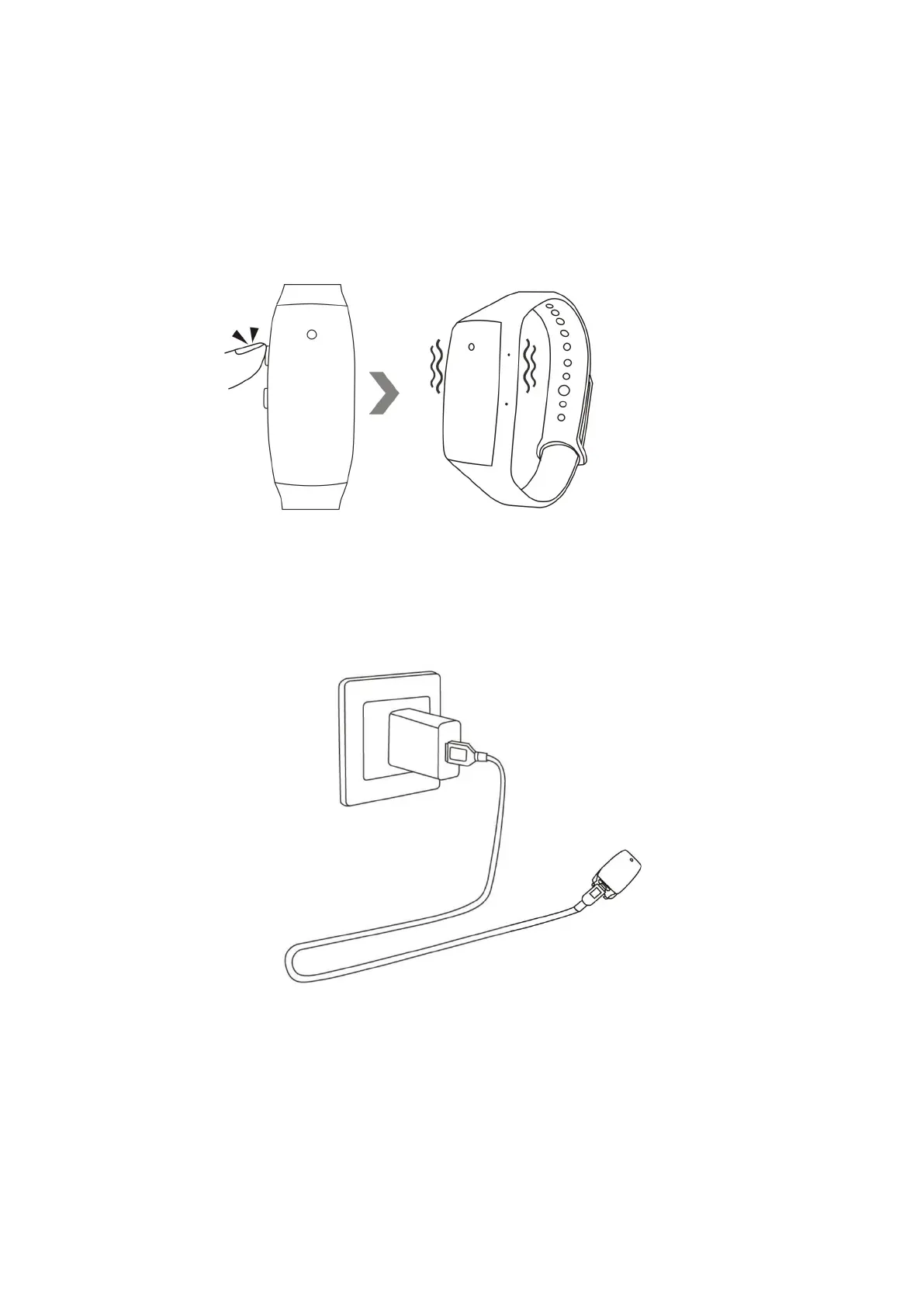
9.1 Hold down the power button for 3 seconds to turn off the camera. The camera will vibrate once
and the red indicator light will go off.
9.2 Plug the camera onto an external power socket with a DC5V 1A USB charger and USB cable.
9.3 The red indicator light will keep flashing during the charging process.
9.4 It would take about 1 hour to obtain a full charge, the red indicator light will be solid on when
the camera is fully charged.


 To Next Page