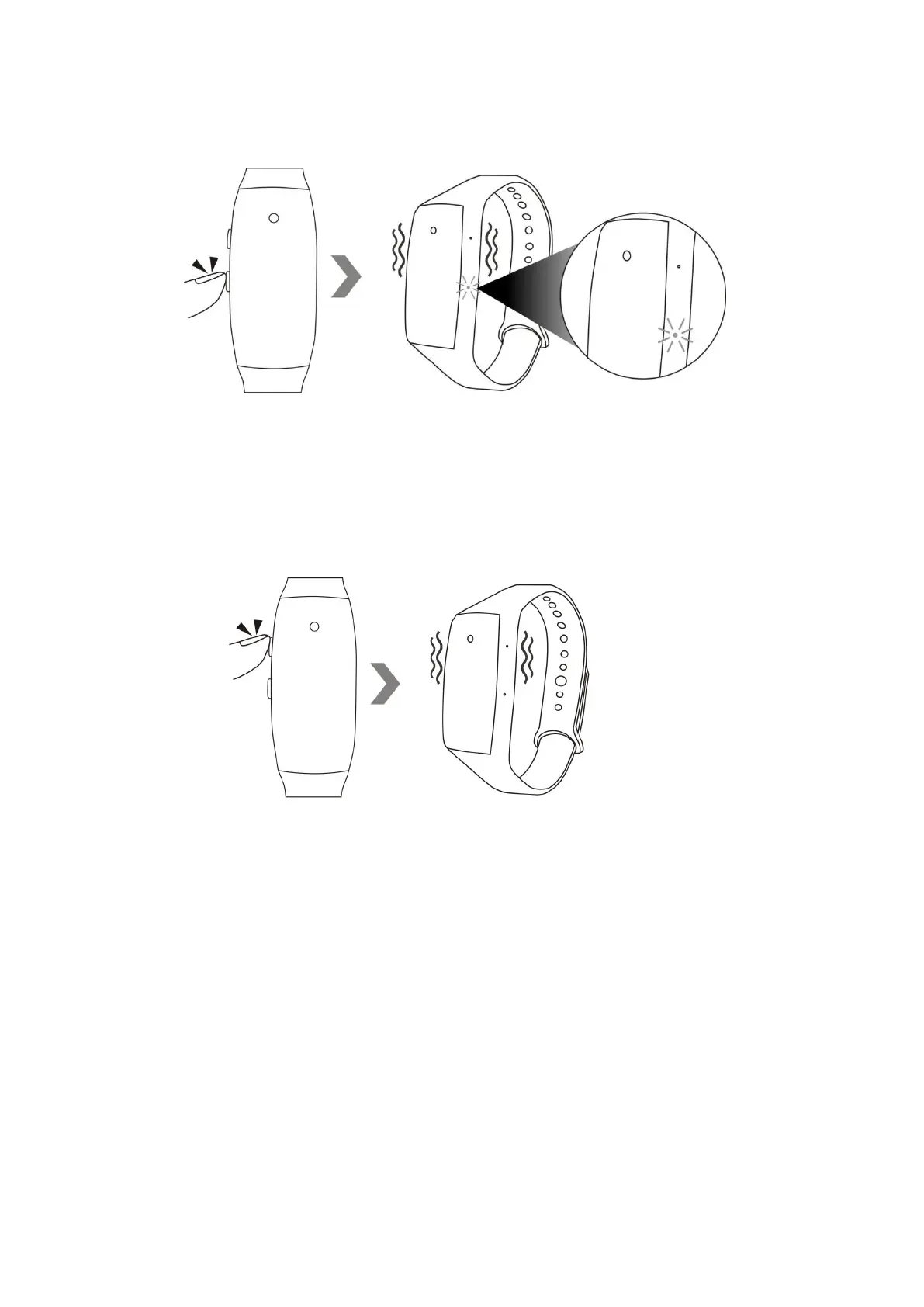
6.4 Hold down the power button for 3 seconds to turn off the camera. The camera will vibrate
once and the red indicator light will go off.
Note: The camera will shut down automatically if it is in standby mode without any operation more
than 1 minute.
VII. Video / Image File Uploads
7.1 Hold down the power button for 3 seconds to turn off the camera. The camera will vibrate once
and the red indicator light will go off.


 To Next Page