p. 58
provides effective braking but must be well controlled.
So, pay close attention to the following points:
• To slow down, simply release the accelerator.
• When braking, do not press the brake lever too hard. Sudden braking can
lead to an imbalance and a fall; gradually press down on the brake lever to
slow down safely.
• Do not tighten your brake cable more than necessary. The rear wheel should
not be completely locked so that it does not slip during emergency braking.
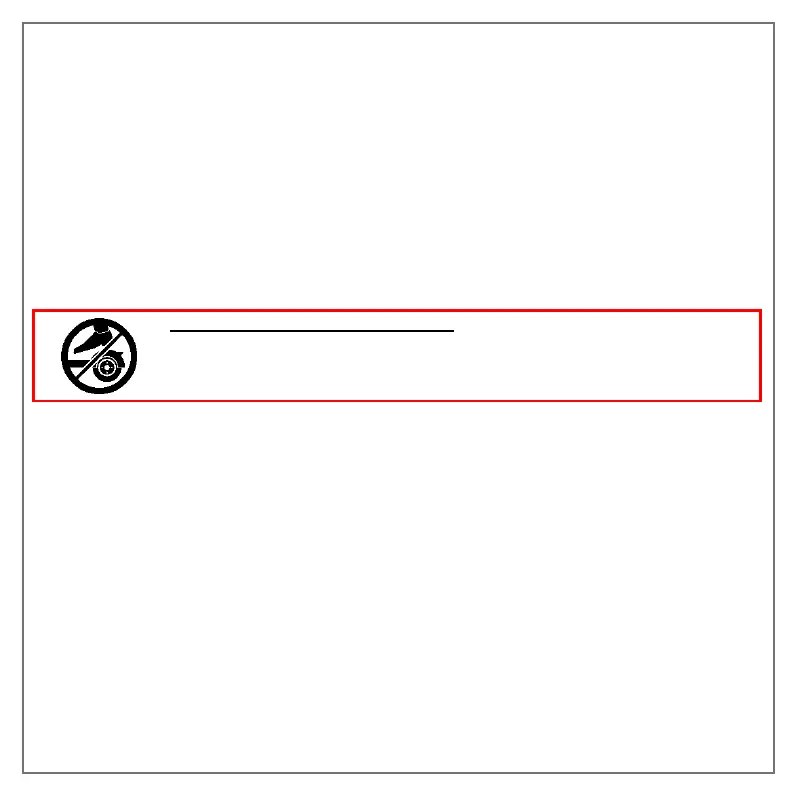
The rear mudguard is not a brake and it is prohibited to press it to
brake. You could damage your scooter if you are unable to reduce
your speed.
4- How to use your scooter
Step 1: Check that the silicone cover is covering the charging connector and the overall
integrity of your product.
Step 2: Unfold the scooter and press the power button for 1 second without touching
the accelerator or the brake.
Step 3: Check that the stand is folded in
Step 4: Once the scooter is switched on, place one foot on the deck and move forward
by pushing on the ground with the other foot without using the accelerator.
Step 5: You need to reach a speed of between 3 and 5 km/h to use the accelerator
and switch to electric mode. To accelerate, use the "trigger" near your right hand. You
can change the gear ratio with the control button.


 To Next Page