p.23
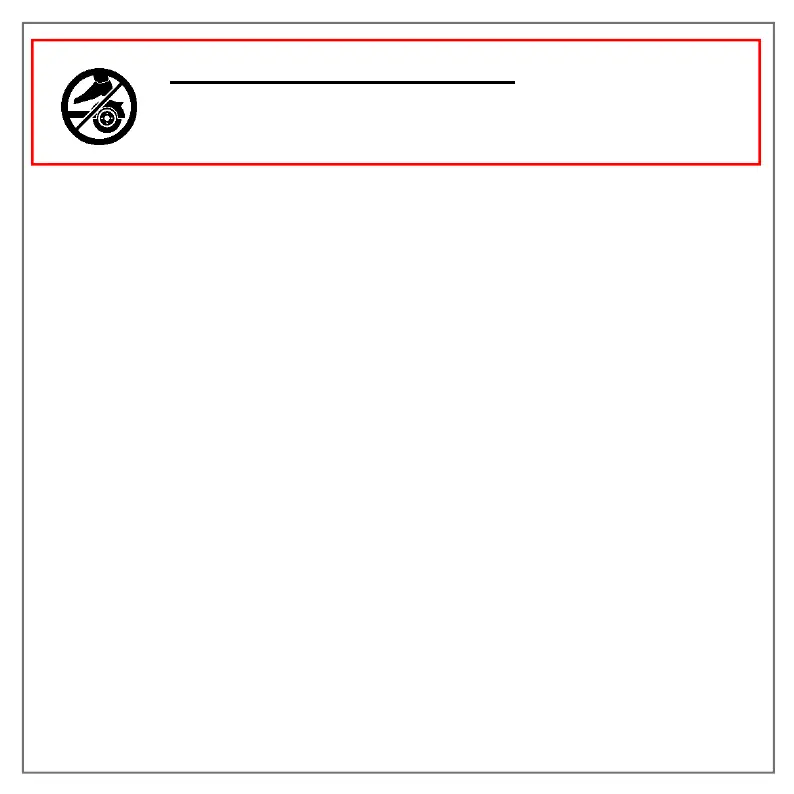
The rear mudguard is not a brakeand it is forbidden to
pressof theknowsto brake. You risk damaging your
scooter without being able to lower your speed.
3.5 Light indicators
Blinkers :You must activate the desired turn signal by pressing the
corresponding button on the turn signal control located to the left of the
handlebars, then press the same button again to remove it. Turn signals do
not turn off automatically, press againron the same button to deactivate them.
Rear light:The rear light (or“brake light") flashesso muchthat the brake handle
is activated. It flashesAlsoas long as you are in pedestrian mode.
4- How to use your scooter
Step 1: Check that the silicone cover covers the charging connector, as well as the
overall integrity of your product.
2nd step: Unfold the scooter and press the power button for 3 seconds without
touching the accelerator or brake.
Stage3: Check that the kickstand is correctly folded
Step 4:Once the scooter is on, place one foot on the platform and move forward by
pushing on the ground with the other foot without using the accelerator.


 To Next Page