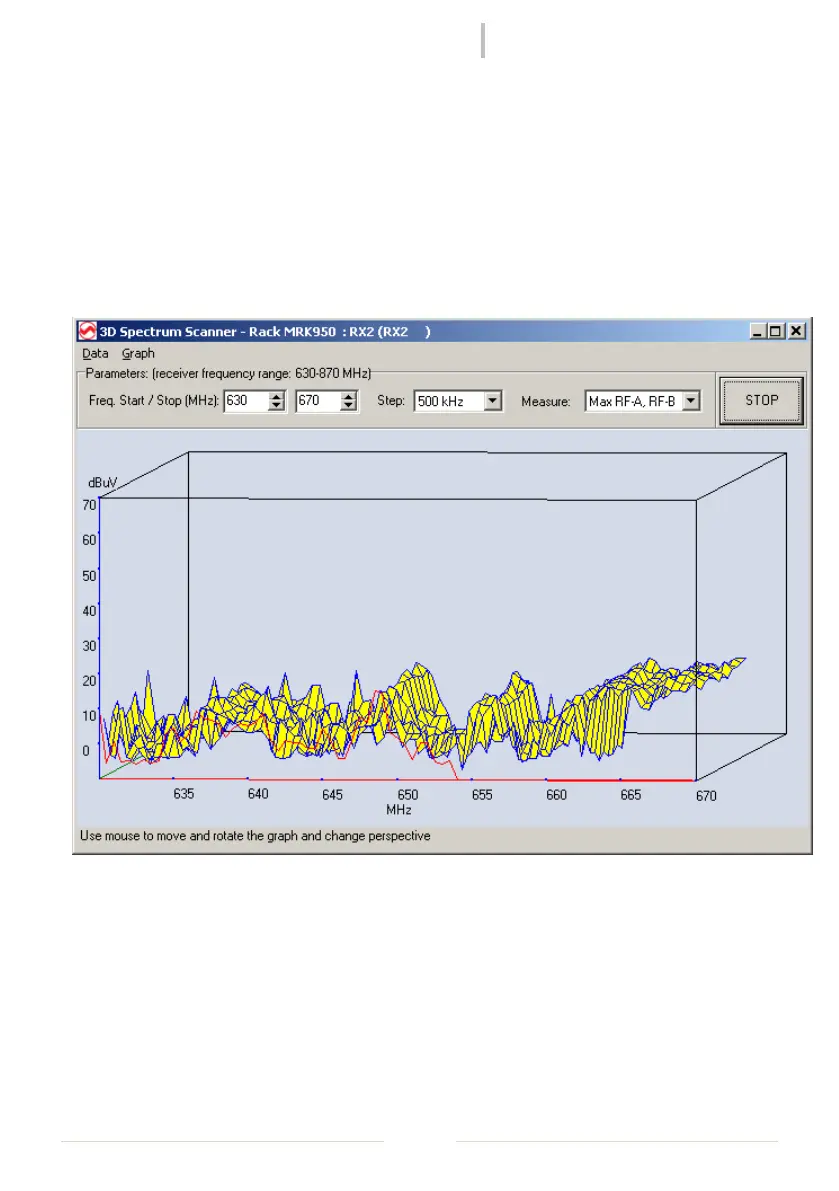
To perform a spectrum analysis the user must do the following tasks:
select the receiver to be used for the operation on the tree-view and start the 2D
Spectrum Scanner analysis from the popup menu or from Tool->2D Spectrum
Analyzer on the main menu.
Select the desired Frequency range, the Step (100/200/500 KHz , 1/2MHz) and the
Data Source for the measure and press RUN
Figure 7: 3D Spectrum Analysis
The graph perspective can be changed easily with a click and drag with the left mouse
button.



 To Next Page