BEDDI Instruction Manual
The WITTI logo and BEDDI are trademarks of D&S Creation Limited. All other trademarks are properties of their respective owners. And any use of such marks by WITTI is under license.
Assembled in China www.wittidesign.com ©2016 D&S Creation Ltd. All Rights Reserved
Page: 1/6
.
BEDDI User Manual
http://www.wittidesign.com/en/manuals/beddi/
Limited Warranty 1 yea http://www.wittidesign.com/warranty
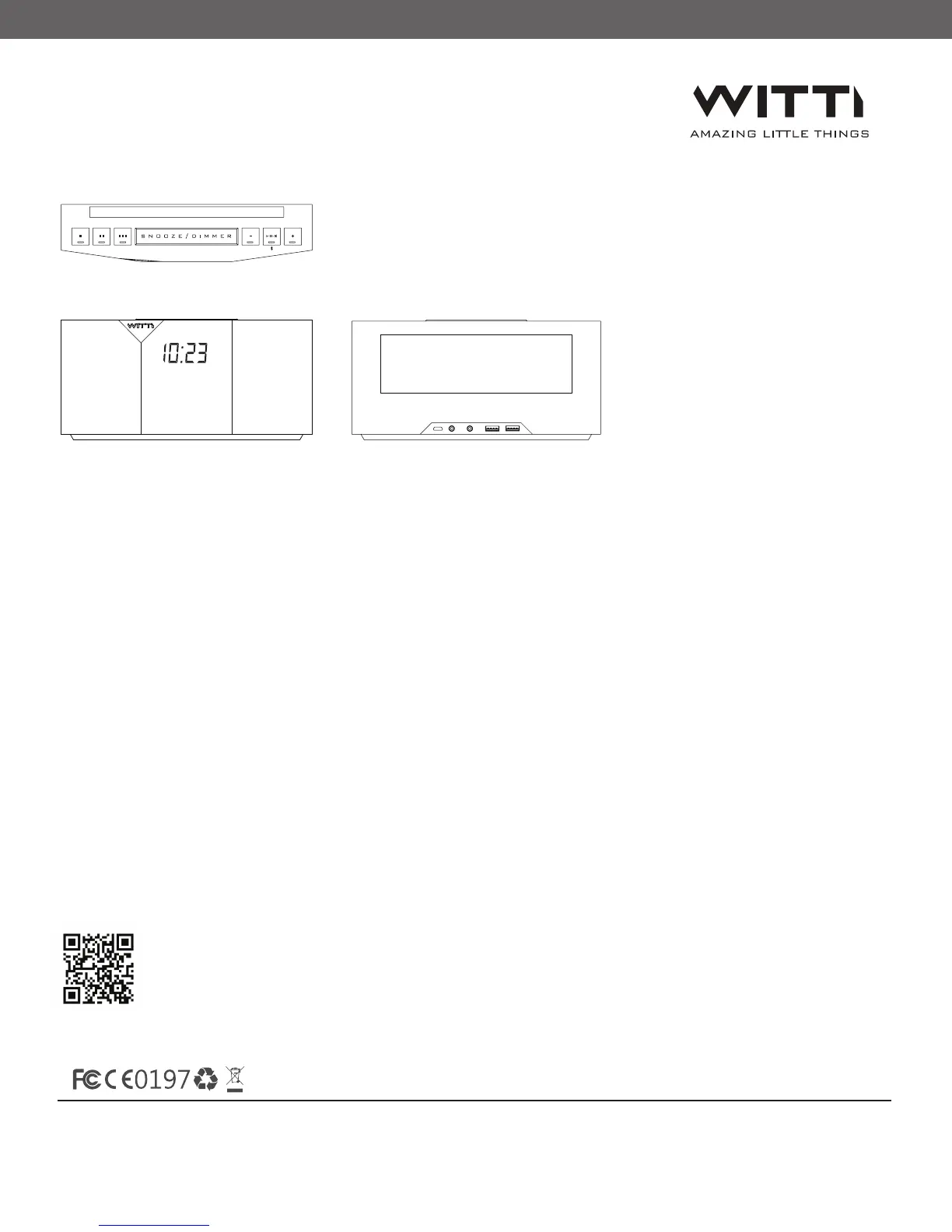
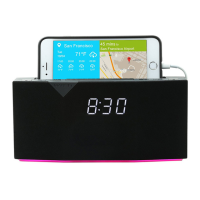
Smartphone Holder ‒ You can leave your smartphone here while it is charging. Supports up to a
phone with a 5.7” screen.
Smart Buttons ‒ You can customize these 3 smart buttons via the App to trigger commands such
as “phone finder”, “turn off my Philips Hue”, “play Spotify music”, etc. Each Smart Button has
three modes ‒ single press, double press, and long press.
Snooze/Dimmer ‒ Press to snooze the alarm, or to adjust the clock brightness.
Play/Pause | Bluetooth button ‒ Play/pause when music is playing. Turn off alarm.
Long press to connect/disconnect Bluetooth audio.
Volume Control ‒ Let you adjust the volume when music is playing. Can be used to skip tracks in
advance control mode (configurable in app General Settings).
2 High Quality Speakers
1
2
3
4
5
6
Understanding BEDDI Controls


 To Next Page