SSID: ActionCam_0465CB
PWD: 1234567890
Waiting for Wi-Fi Connection...
Connecting to a Computer
When you use the included USB cable to connect to a computer,
you can access to the files which are stored in camera’s micro SD
card to copy or view them on a computer. This function can also
achieve by a micro SD card reader.
D: Open the iSmart DV2 App on
your smart phone or tablet
after the Wi-Fi is connected,
you’ll find the camera is
controlled by your phone.
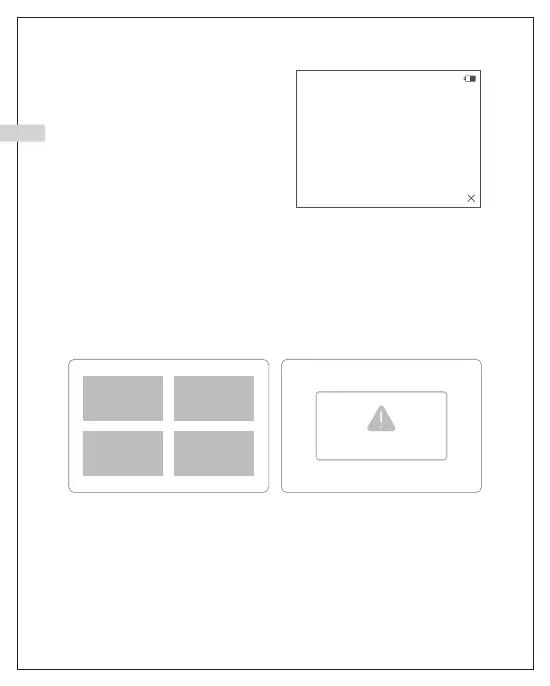
MSDC
Working Mode Charging Mode
PCCAM
Connected
EN
12



 To Next Page