Wi-Fi/PC Connection
Wi-Fi Connection
The Wi-Fi Application allows you to control your camera remotely on
a smart phone or a tablet. You can view the videos and pictures shot
on your phone, download them directly to your phone.
The connecting steps are as follows:
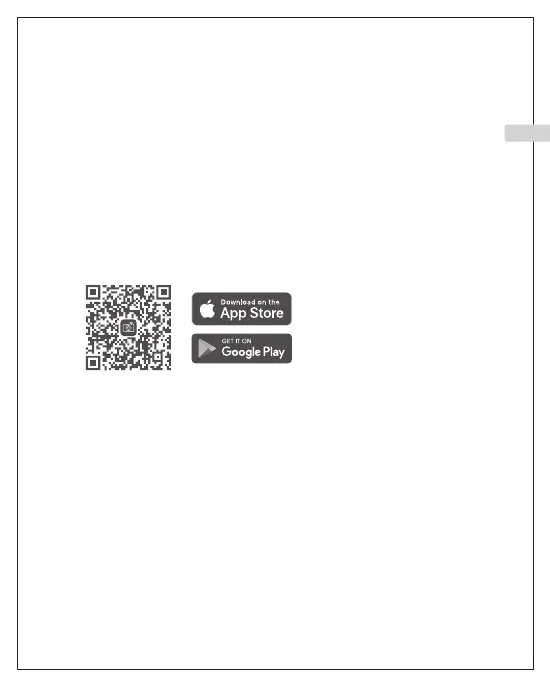
A: Download the iSmart DV2 App on your smart phone or tablet in
Google Play or Apple App Store.
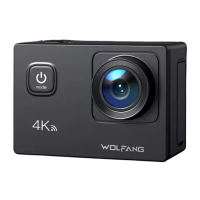
B: Short press the Power Button to turn on Wi-Fi, short press again
to Exit. The status light (blue) on the top of the camera remains
flashing while the camera is waiting for Wi-Fi connection and the
light stays on when the Wi-Fi is connected.
C: Find and connect the Wi-Fi in the Wi-Fi list on your phone with
the Wi-Fi name and password displayed on the camera.
EN
11



 To Next Page