14
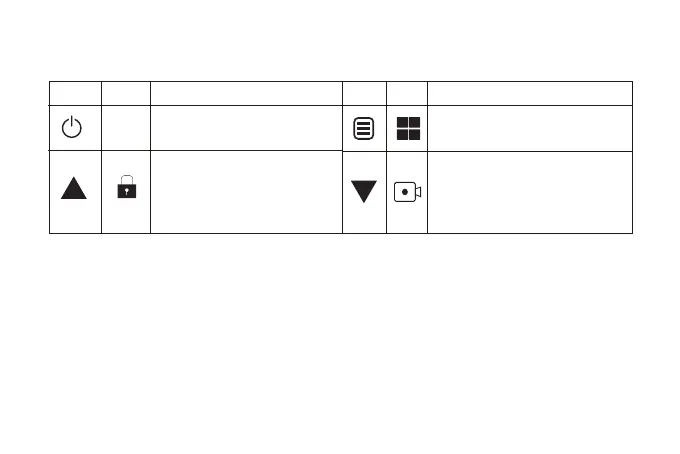
Button function in video mode
Long press to turn on/off the WiFi
function (If turned on, the password
will be displayed. You can use the
power button to check)
You can manually lock the file by short
press
Long press to stop recording
Press once to take a snapshot
Press once to enter the main menu
Long press to power on/ off
Press once to switch the view display
Button Button Icon Icon Function Function
There are four resolutions:
*Front only: 3840*2160P
*Front only: 2560*1440P
Playback Mode
Playback mode lets you play your Video file or photos. It can even let you delete or lock any
videos while viewing it.



 To Next Page