16
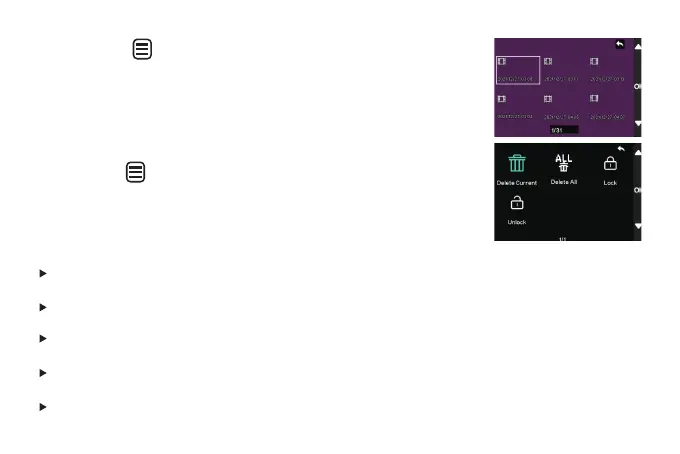
Short press " "button to playback the file.
Long press " " button to delete/lock/unlock the selected file.
[Delete Current]: Delete the displayed file
[Delete All]: Delete all files
*Unable to delete locked file.You can manually unlock and then erase.
[Lock]: Manually lock the display file
[Unlock]: Manually unlock the displayed files



 To Next Page