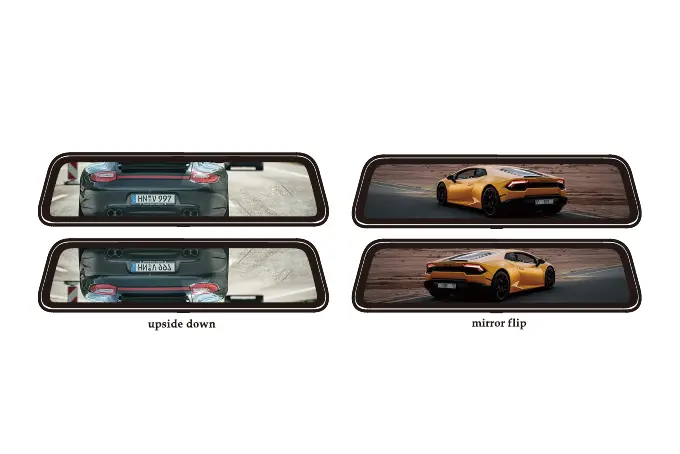
Mirror flip of rear image: ON/OFF
Upside down of rear image:ON/OFF
Format SD card
Clean all the data. It is recommended to manually format the SD card once a month. Please
format the SD card before first use.
If you are installing rear camera in a forward direction (fixing the bracket downwards), please
turn on "Upside down of rear image" and turn off "Mirror flip of rear image"to adjust the view.
38



 To Next Page