27
Note:Turn it on, the recording image of rear camera will be shown on the screen.
Audio Recording: System will start audio recording automatically once turned on.
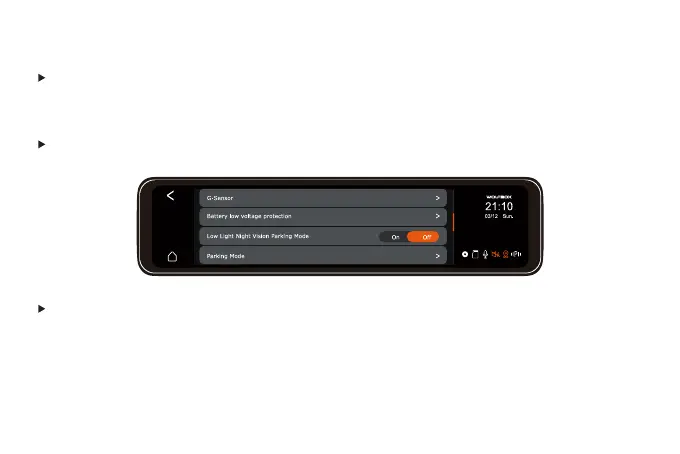
G-Sensor: Select the sensitivity of the G-Sensor or turn it off. The locked files will not be over
written. Please copy important locked files to your computer for storage, and format the SD
card every two to three weeks.
Note: Turn it on, the recording screen of rear camera will be adjusted to 180°
Rear Rotate Display (180°): On/Off (Default Off)



 To Next Page