31
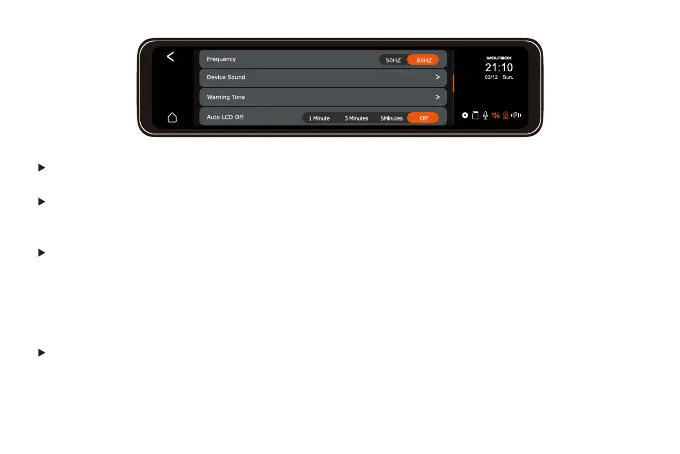
Frequency: 50HZ/60HZ
Device Sound: Off/Low/Medium/High (Default Medium)
Set the sound of the host, including the sound of startup, prompt, button, and video playback.
Warning Tone: (Default ON)
Format Reminder Setup: On/Off
Video Locked Prompt Tone: On/Off
Abnormal Video Recording Stopped Prompt Tone: On/Off
Keys Sound: On/off
Auto LCD OFF: (Set screen saver time)
-1 minute/3minutes/5minutes
-Off (Set to OFF, the screen will keep on)



 To Next Page