37
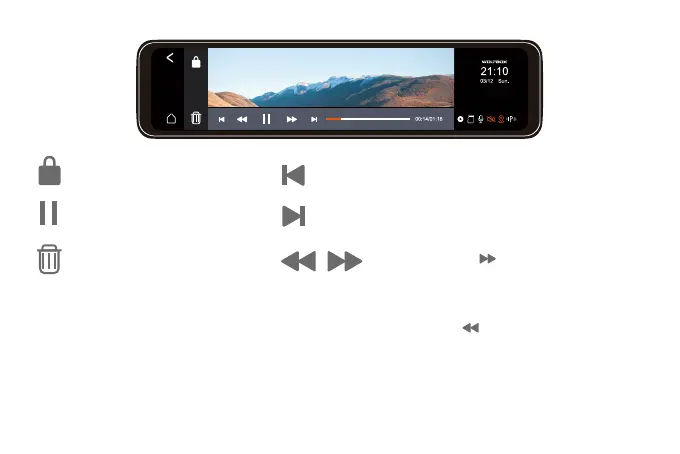
Lock/Unlock the file.
Start or pause the playback.
Display the previous photo/video.
Display the next photo/video.
Delete the file.
Note: Click the icon once to
accelerate the playback speed by 2
times,
and click the icon once to reduce the
playback speed by 2 times.
Increase or decrease the speed up to 8
times.



 To Next Page