13
Function Option Description
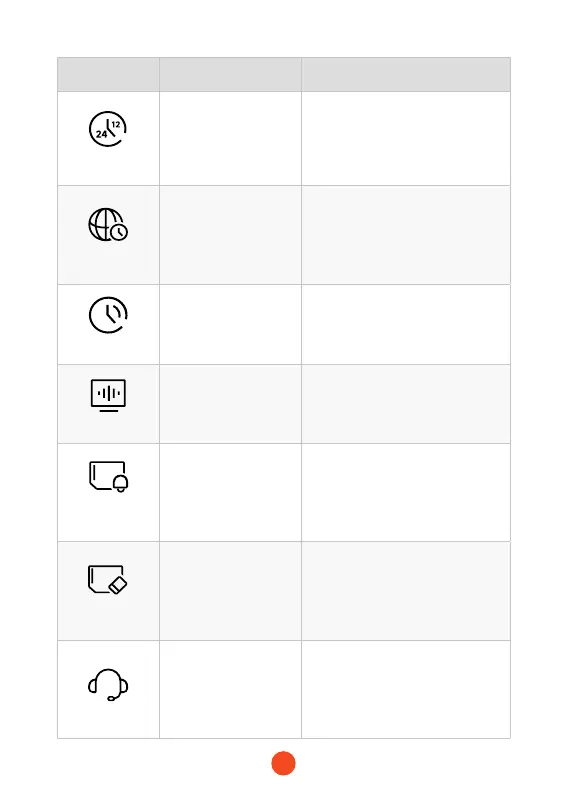
Time Style
12 Hours/24 Hours Set the time display system.
Time Zone
/
Adjust the time zone based on
geographical location.
DST
ON/OFF
Set the switch for daylight saving
time.
Flicker
50 Hz/60 Hz Set the screen refresh rate.
Format
Reminder
OFF
/Each 15 days
/Each 25 days
Set the reminder for formatting
the SD card.
Format SD Card
/
Format the SD card and delete
videos and photos stored on it.
Help Center
/ After-sales contact information.



 To Next Page