16
Play on APP (About Wi-Fi and APP)
The Wi-Fi feature has been designed so you can pair your
dash camera wirelessly with your smaphone and access your
recordings instantly from the dash cam. Here you can view,
download and share your videos easily with your friends and
family.
The app “WOLFBOX” is a free app that allows you to operate this
WLAN built-in drive recorder from your smaphone.
• How to connect Wi-Fi?
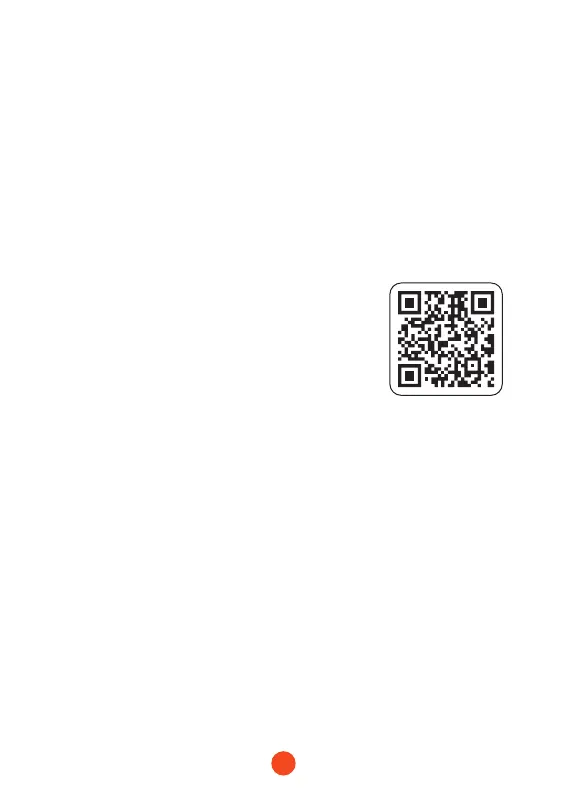
1. Download the “WOLFBOX ” app
Go to the following address to download
the “ WOLFBOX” app: https://wolox.
com/app/ You may also use your
smaphone to scan the QR code to go to
the download page.
2. Enable Wi-Fi
Go to Settings to turn on the Wi-Fi. Then, the device screen
will display the Wi-Fi name and password.
3. Connect Wi-Fi
To connect your iPhone or Android phone to the G900 Pro's
Wi-Fi network,go to Settings > Wi-Fi and select G900 Pro Wi-
Fi. Then, enter the default password: 12345678.
4. Open the “WOLFBOX” app
Once your mobile phone is connected to the G900 Pro's Wi-
Fi network,open the WOLFBOX app. The camera will sync
automatically, and you should see the live video feed on your
phone.



 To Next Page