44
Play on Computer
Correct Video Player to Play Videos
We recommend GPS Media player which can view google maps. You can get it free.Mac/Win
Version Download: https://wolfbox.com/gps-player/
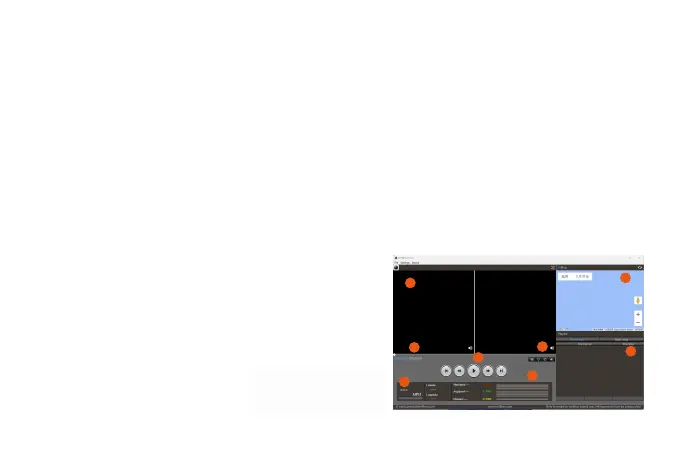
1. Playback Screen: Playback screen display
2. Scroll Bar: Click, can speed forward or back
3. GPS Information: Including Latitude, Longtitude,Speed
4. Map Display: The location of the car on the map.
5. Playlist: The data list for playback
6. G-sensor Data
7. Play /Pause
8. Save the Picture/Play Times Speed/Volume
1
2
6
3
7
8
4
5



 To Next Page