09
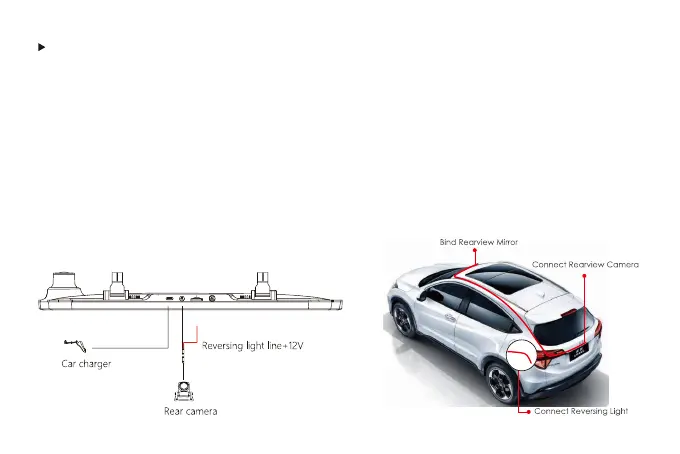
Please check the functionality of dash cam with its all accessories before installation.
Insert until you hear a click.
When removing the micro SD card, push in the micro SD card first and then pull it out after
the micro SD card pops out a little.
Installation
When you use the dash cam for the first time, the dash cam comes with factory default settings
and you do not need to set it manually.



 To Next Page