WOLFF GmbH & Co. KG | D-74360 Ilsfeld | Ungerhalde 1 | Tel. +49 (0)7062-91556-0 | Fax +49 (0)7062-91556-10 | E-Mail info@wolff-tools.com |
Internet www.wolff-tools.de
C0D'&
The Hold function displays the last measured value. It is activated automatically when the “ON” button is release.
When the device switches to the Hold mode, the following symbol
appears at the top of the display on the status bar.
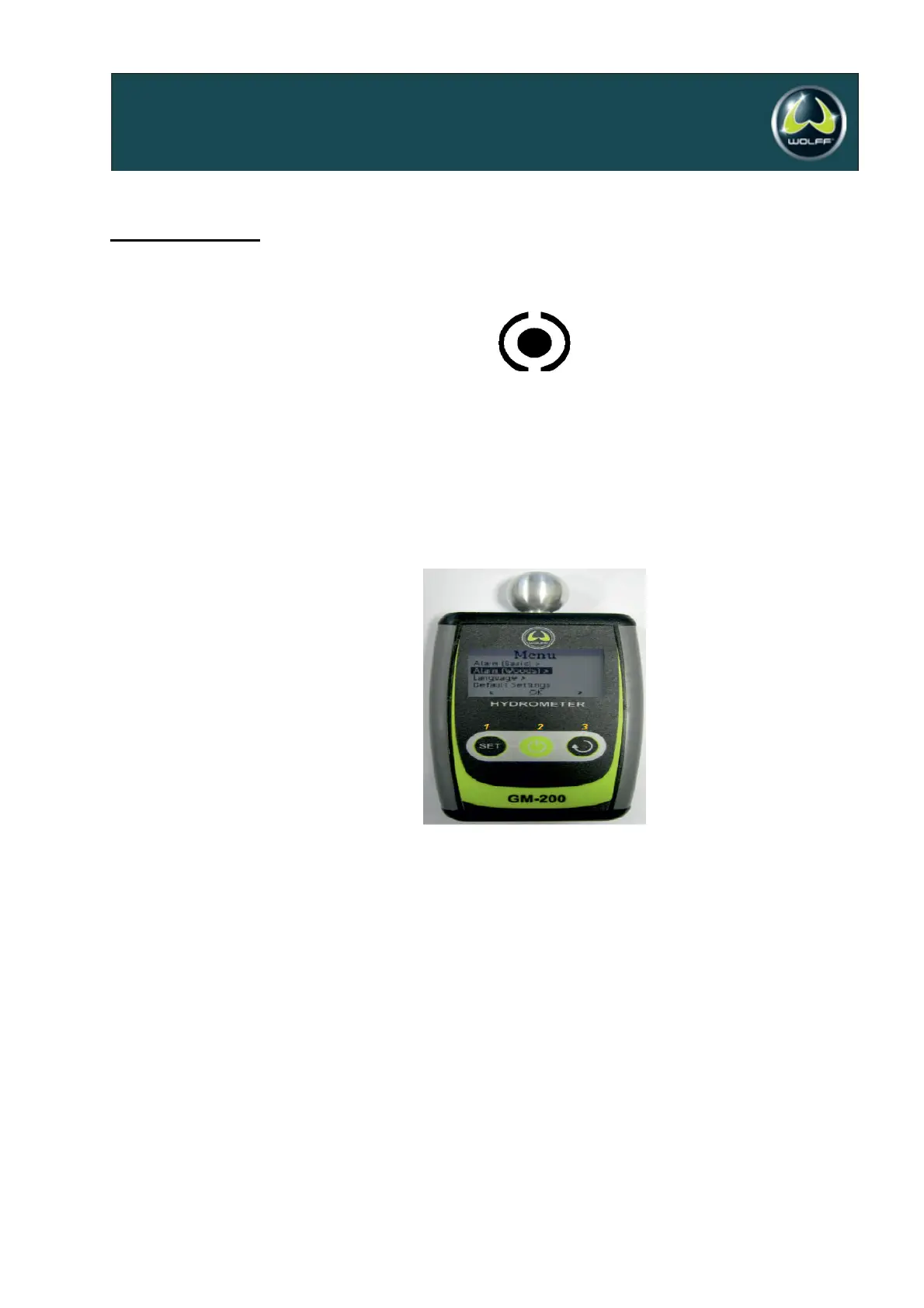
The operating menu allows to change the alarm thresholds for the respective measurement scales and to choose the
language. To access the operating menu, press and hold down the “SELECT MATERIAL” and “SELECT DISPLAY”
buttons. Use the “SELECT MATERIAL” and “SELECT DISPLAY” buttons to navigate the menu. Use the “ON” switch
to change menu levels and to confirm the settings. 126347Critical parameters are protected against unintended
modification with the use of an additional warning and request for confirmation.
To navigate to the parent menu, press “Back” (Zurück) and briefly press the “ON” button. To exit to the main
window, confirm the “Back” (Zurück) option of the top level menu.
&$!E(<9&&9FE1&'
&<&&9F+E<&&G&9$


 To Next Page