Operating for the first time
Connect and Control
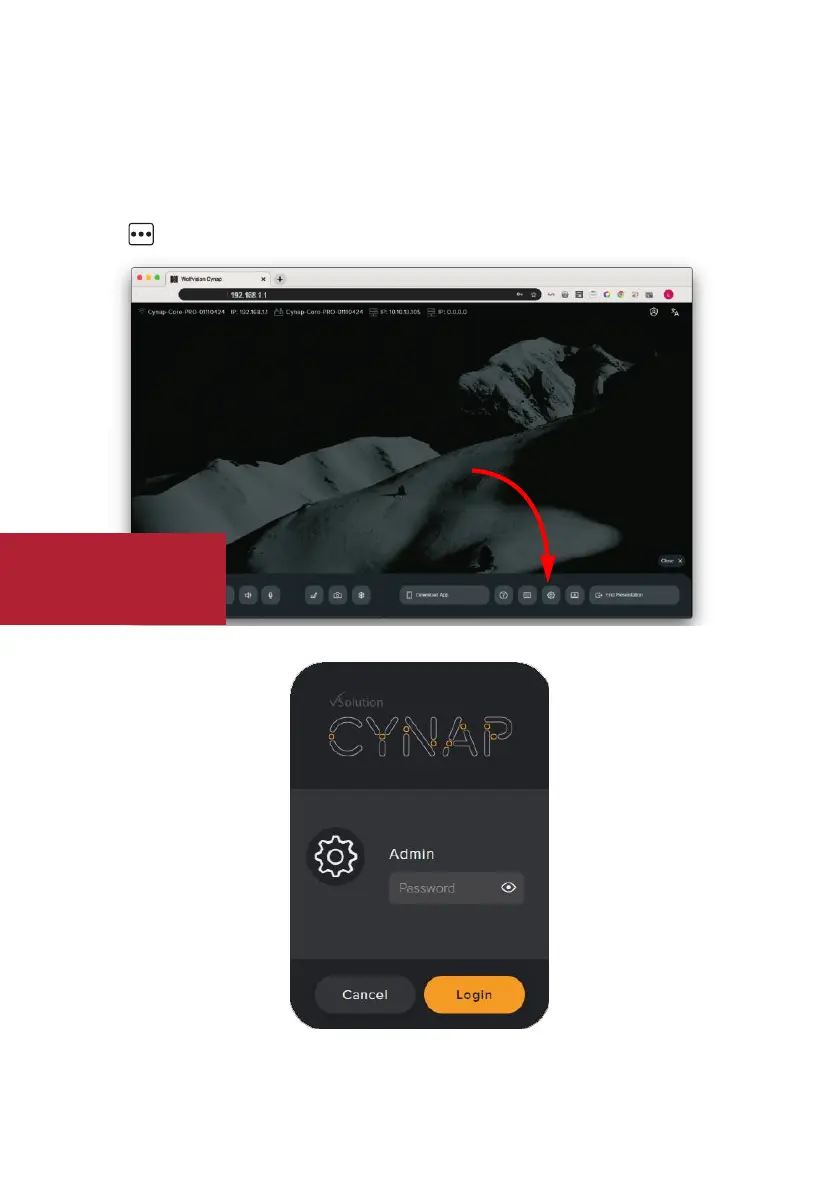
When Cynap is switched on, all settings can be set in the password protected settings of the
graphical user interface (GUI). Access the GUI by using a web browser on your connected PC or
tablet (input the IP address), by using the optional remote control, or by using connected USB
mouse and keyboard.
Push the button at the right edge to open the Control center and click on the cogwheel.
Initial default admin password:
Check the integrated help for furher details.
Password
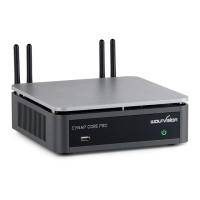
Cynap Core PRO
Setup


 To Next Page