Heating
Heating schedule
To see the heating schedule, press the Heating button on the Home
page to display the thermostat status page.
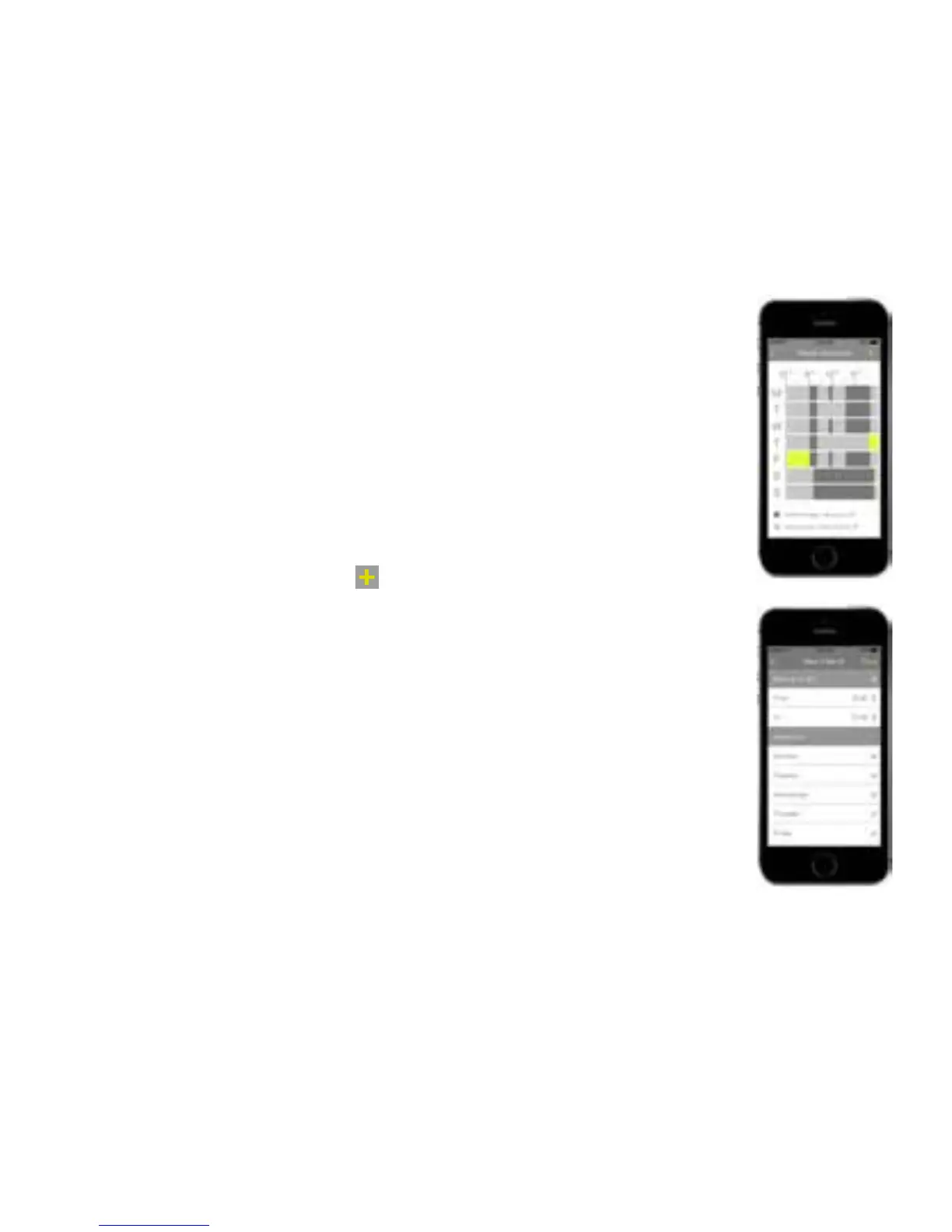
Press Schedule to display the schedule screen which shows the
settings when the house is occupied (comfort preset - dark grey),
when it is unoccupied (saving preset - light grey) or if the schedule is
overriden (green).
To add new setting, press
and set the temperature, start and
stop times and the days for repeating the setting. Press Save.
To override the heating schedule, on the Thermostat page, set the
mode (cool, heat or emergency heat (boost)) and slide the schedule
switch to the right (green). The schedule is now overriden until the
schedule switch is moved back to the left (grey).
41


 To Next Page
 Loading...