List of Solar Version
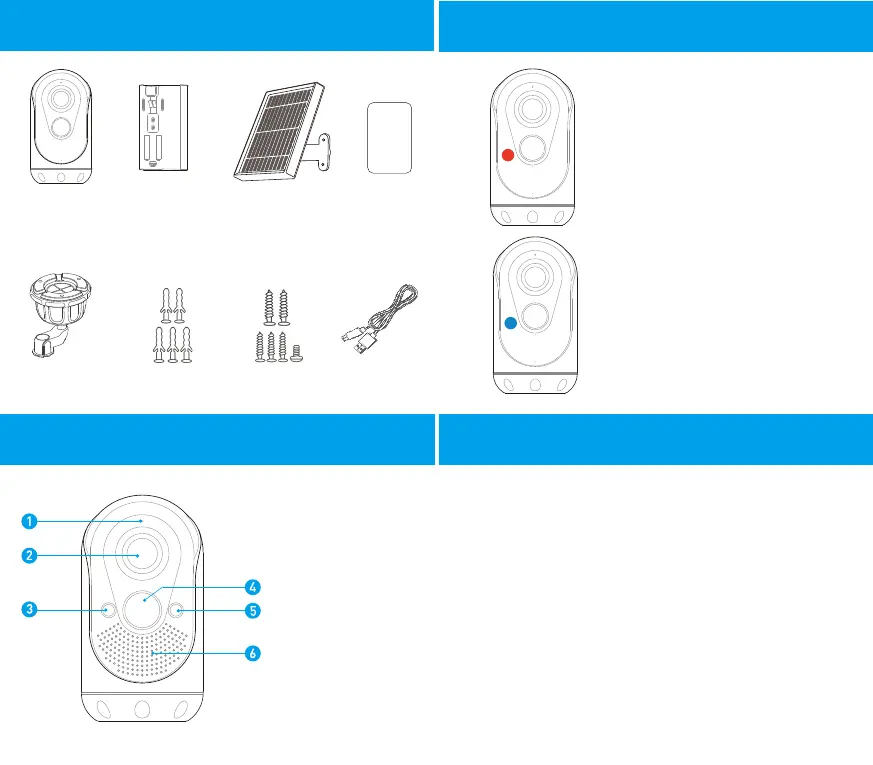
Part Characteristics
WONGKUO
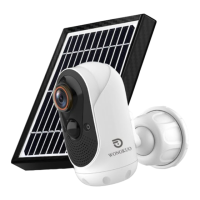
Battery Camera
Rechargeable
6000mAh
Battery Pack
Solar Panel +
Mounting arm
User Manual
Screw Packs
Micro USBStand Anchor Packs
WONGKUO
Light Meaning
For a better experience with WONGKUO Battery
Camera, fully charge the battery pack separately
before your first use.
1. Take out the charging cable from the accessory package,
and correctly insert its micro end into the micro USB port on the
back of the battery pack; correctly insert the USB connector at
the other end into the corresponding USB interface of a power
adapter (phone charger) with a DC voltage of 5V and a current
of 1A.
2. Start charging the battery pack separately by plugging the
power adapter (phone charger) that is correctly connected to
the battery pack into the socket at home.
1. Microphone
2. Wide-angle lens
3. Indicator light
4. PIR motion sensor
5. Photosensitive sensor
6. Intercom
Red indicator light
The red light flashes to
indicate connection to WiFi
Blue indicator light
The blue light is constant on to
indicate real-time monitoring view
The blue light flashes to indicate
PIR motion detection
Introduction to the Battery Pack
3 2


 To Next Page
 Loading...