EasyManua.ls Logo

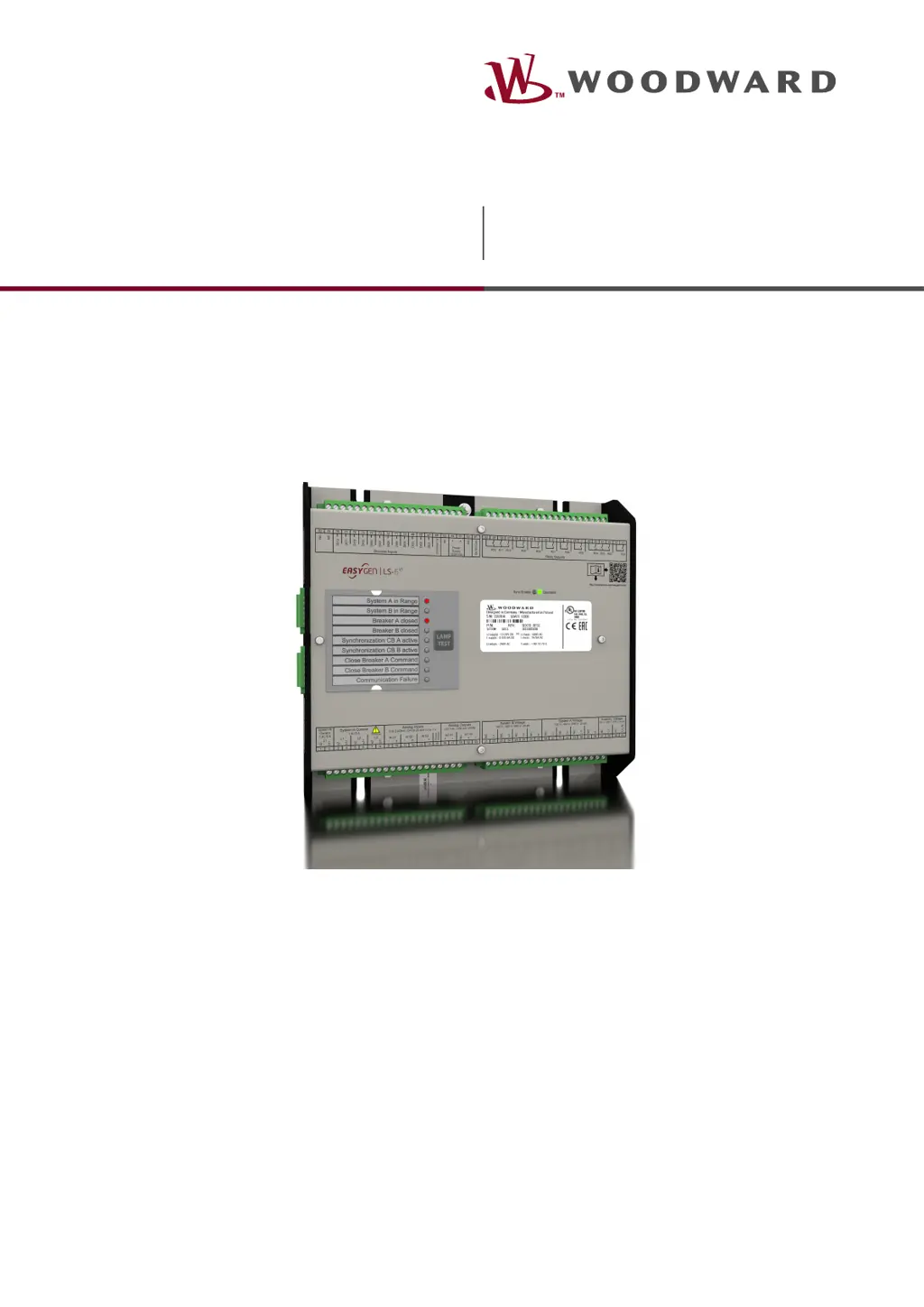
Woodward easYgen LS-6XT - User Manual

Woodward easYgen LS-6XT
657 pages
Print Icon
To Next Page IconTo Next Page
Loading...
Technical Manual
easYgen|LS-6XT
Circuit Breaker Control
Release 2.10-1
Document ID: B37914, Revision: B - Build 50478
easYgen LS-612XT-P1

Table of Contents

Questions and Answers

  • W
    wilsongabrielAug 7, 2025
    What to do if no data is received by the Woodward easYgen LS-6XT Circuit breakers controller?
    • S
      Sharon MannAug 7, 2025
      If the Woodward controller isn't receiving data, first verify if the unit is in operational mode, indicated by a heartbeat (CAN ID 700 (hex) + Node-ID) with the content 5 (hex). Also, ensure that the RPDOs are configured correctly, paying attention to the CAN ID, mapping, and parameters.
  • S
    Stephen PriceAug 17, 2025
    What to do if no data is sent by the Woodward easYgen LS-6XT controller?
    • T
      Thomas HarrisAug 18, 2025
      If the Woodward controller isn't sending data, start by checking if the unit is in operational mode. This is indicated by a heartbeat (CAN ID 700 (hex) + Node-ID) with the content 5 (hex). Also, verify that the TPDOs are configured correctly, including the CAN ID, mapping, and parameters.
  • S
    Steve ChenAug 26, 2025
    What to do if no SDOs (configuration messages) are received by the Woodward easYgen LS-6XT unit?
    • J
      Joseph ClarkAug 26, 2025
      If the unit isn't receiving SDOs (configuration messages), check if the CAN ID is assigned more than once. Also, verify that the CAN ID 600 (hex) + Node-ID of the LS-6XT is not already in use by a PDO (COB-ID). Lastly, confirm that RPDOs or TPDOs higher than 580 (hex) or lower than 180 (hex) are not being used.

Woodward easYgen LS-6XT Specifications

General IconGeneral
BrandWoodward
ModeleasYgen LS-6XT
CategoryCircuit breakers
LanguageEnglish

Related product manuals