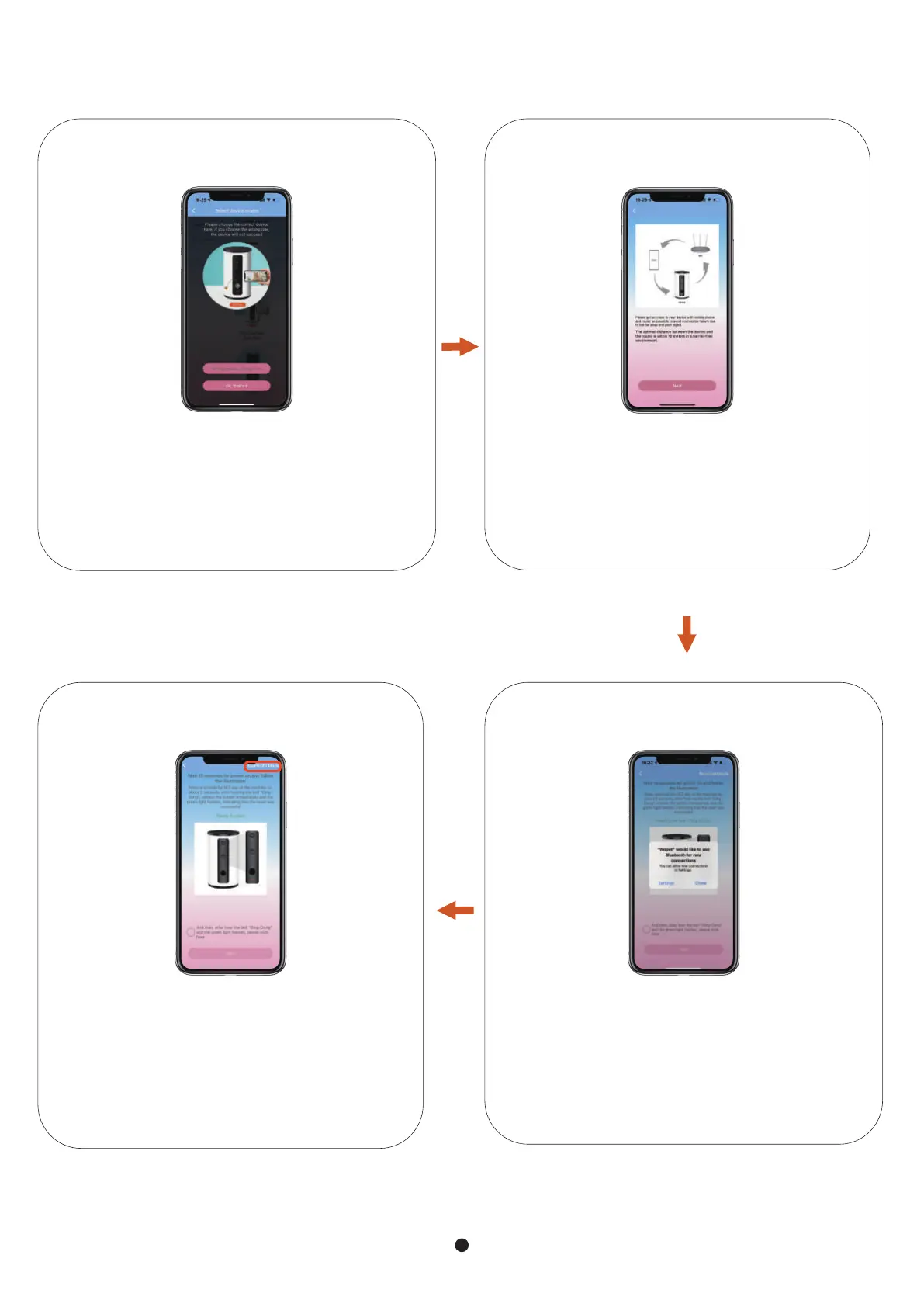
Device, mobile phone, router as close as
possible, recommended device and
router within 10 meters.
STEP 4
Turn on Bluetooth
STEP 5
Long-press the "SET" button, then release
it when the device makes a "ding" sound.
Make sure the green light flashes before
you click on the next step.
(Bluetooth Mode is recommended)
STEP 6
Make sure you found the correct device.
STEP 3
2


 To Next Page