9 / 21
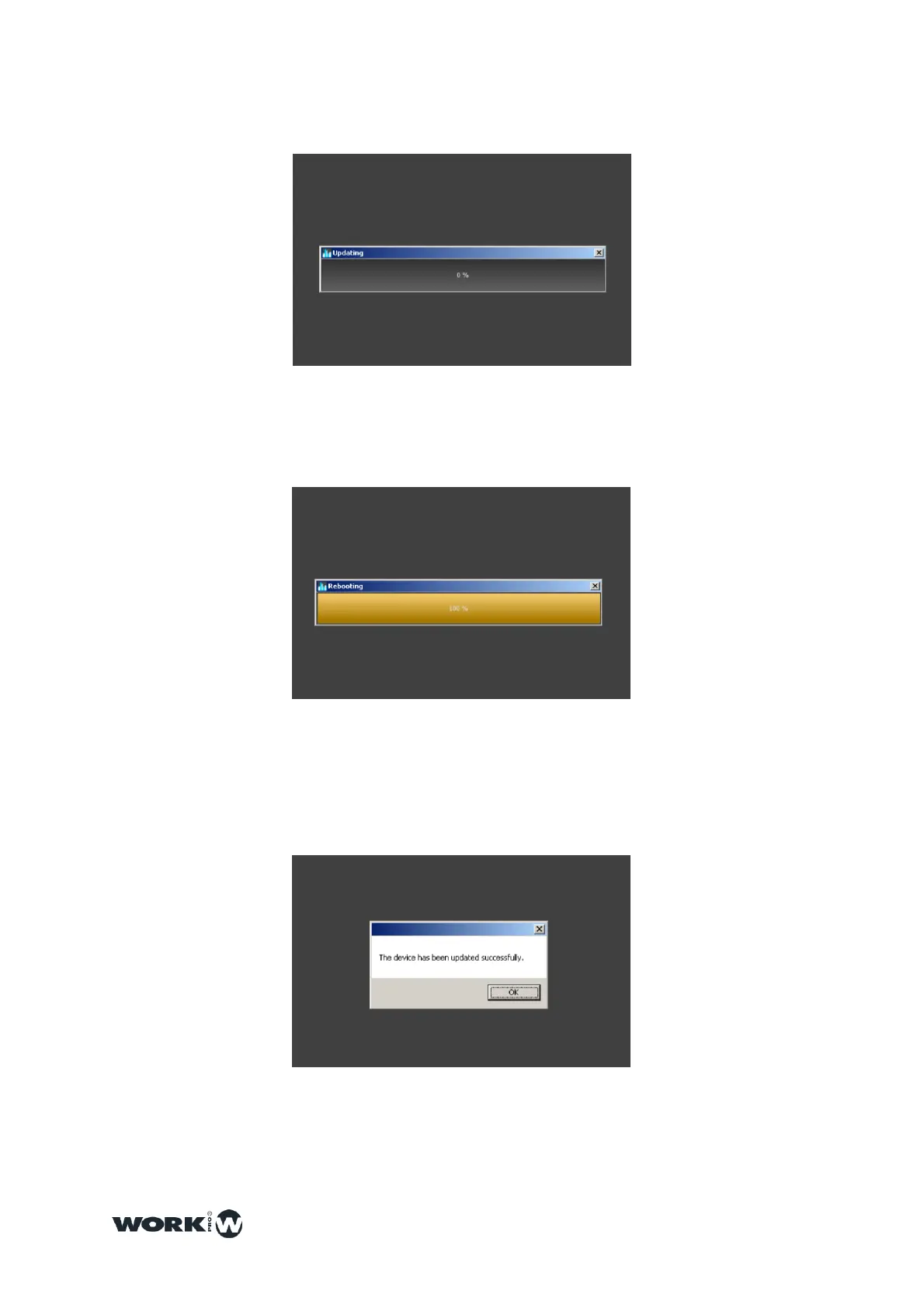
4.Click on “YES” and the updating process will start.
5.During the updating process the progress bar will stop some seconds during the
auto-reset, please, keep some seconds and do not disconnect the device until the
process finishes
6.Once finished the updating process, WorkCAD will show a window indicating that
the process must be finished successfully.



 To Next Page