43
FX SIZE: it is the range in which the parameter may change. This is
described on the appropriate terms for that parameter only, for example
degrees for the position parameters, or slots for the colour parameters.
It may be modified using the sliders on the screen. When a Size effect is
added, its default will be 50%.
FX SPEED: it may be modified using the sliders on the screen. To keep
the synchronisation between the characteristics on a effect, the speed of
the effect must be controlled.
Adjusting the speed of an effect increases or reduces the number of
cycles completed per minute.
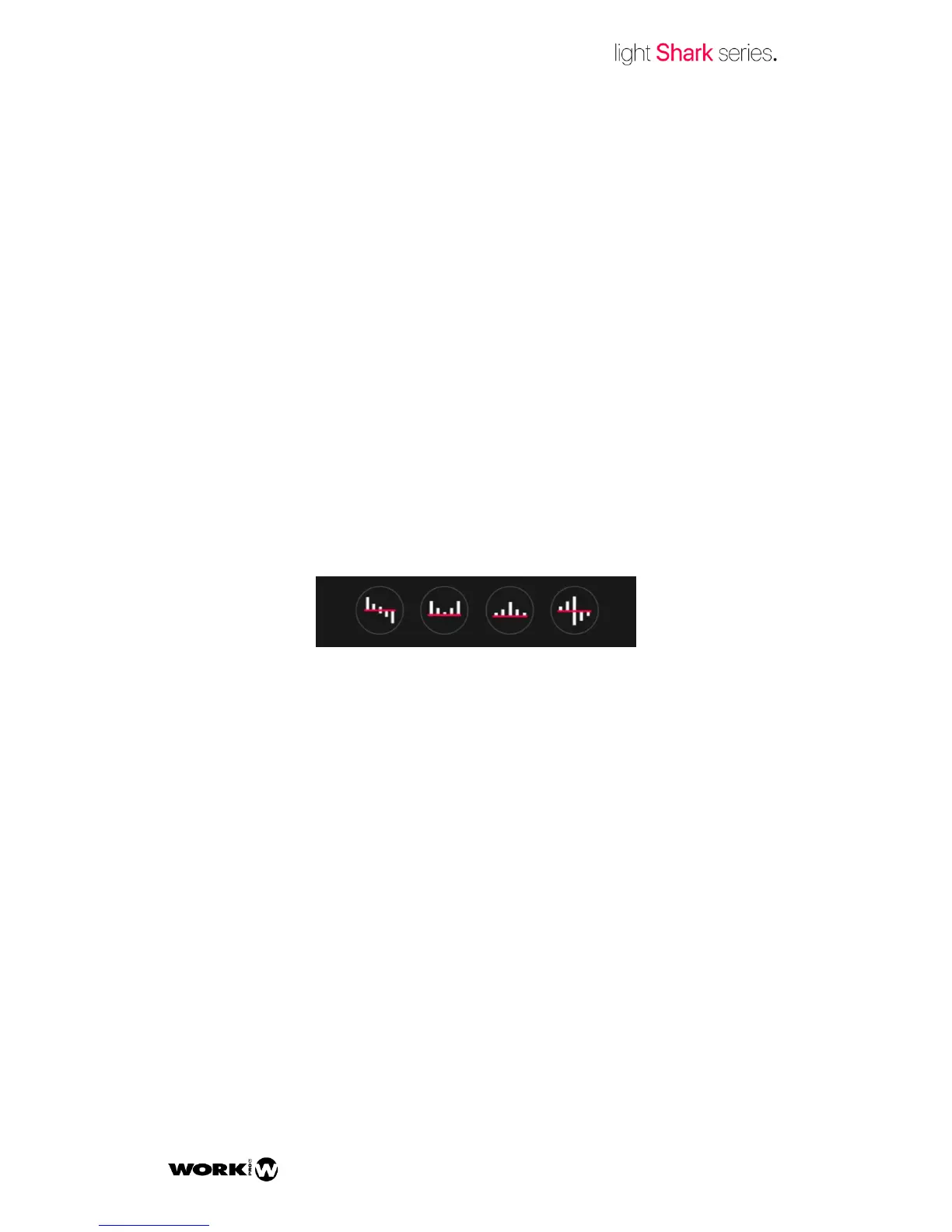
OFFSET: Defines the beginning and end for each effect and determines
how it is played back over all the heads, in order to be stepped.
It is possible to have 4 kinds of shapes using the shortcut keys.



 To Next Page