EasyManua.ls Logo

World Tech Toys Striker 33743 - User Manual

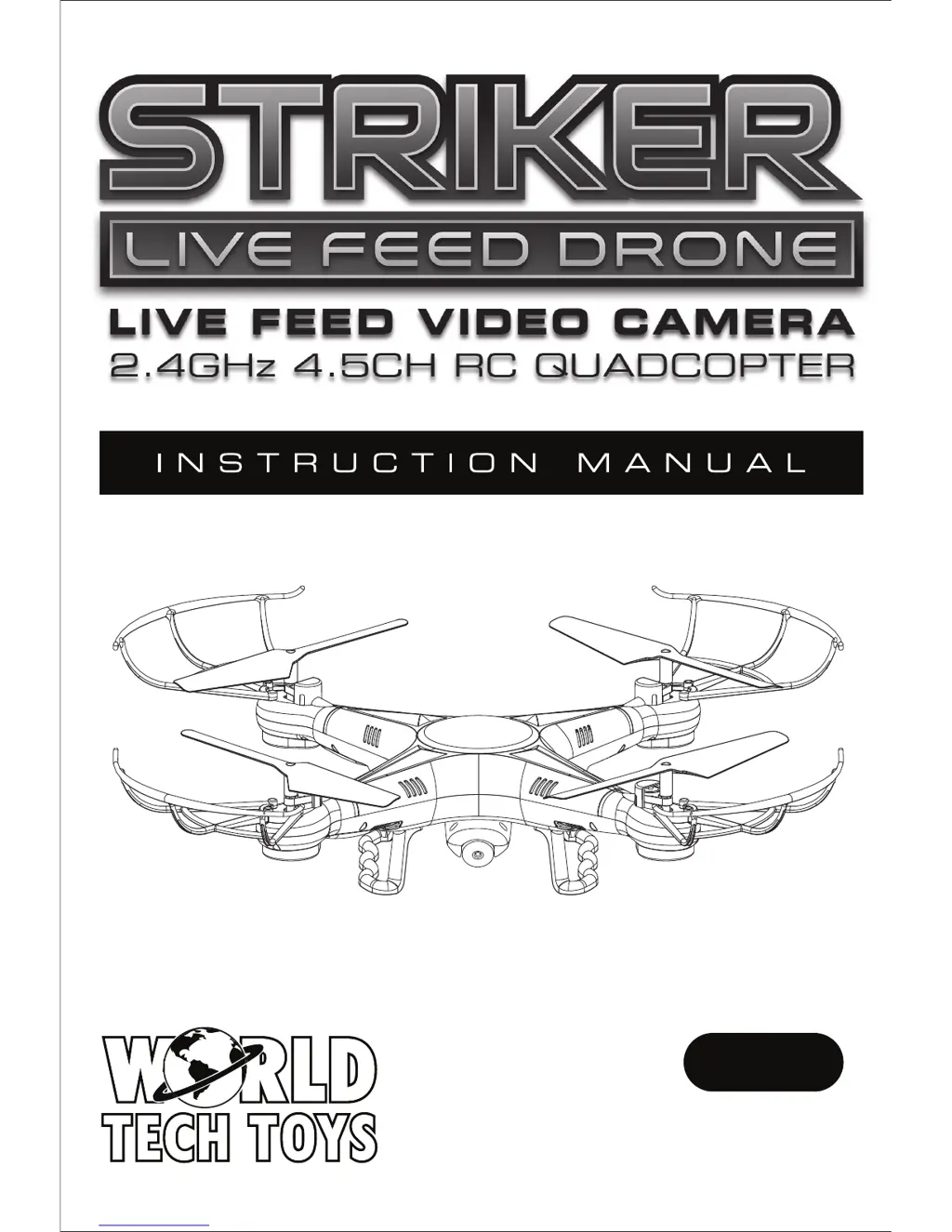
World Tech Toys Striker 33743
8 pages
Print Icon
To Next Page IconTo Next Page
Loading...
14+
FOR AGES 14 AND UP
ITEM NO. 33743

Questions and Answers

  • R
    robert69Jul 31, 2025
    What to do if World Tech Toys Striker 33743 rotors spins but doesn't take off?
    • S
      smithjoelAug 1, 2025
      If your World Tech Toys Quadcopter rotors spin but it won’t take off, it might be due to several reasons. First, check if the rotor blades are damaged and replace them if necessary. Another possible cause is a drained quadcopter battery pack, so ensure it is fully charged. Finally, make sure the quadcopter is placed on a flat surface before attempting takeoff.
  • A
    Andrew ScottAug 5, 2025
    How to fix World Tech Toys Striker 33743 when unresponsive and transmitter light keeps flashing?
    • R
      richard70Aug 5, 2025
      If your World Tech Toys Quadcopter is unresponsive and the transmitter light is flashing, the transmitter may not be syncing with the quadcopter. To resolve this, try repeating the power-up process.
  • T
    Timothy PetersonAug 11, 2025
    Why is my World Tech Toys Quadcopters shaking when flying?
    • C
      Christopher AdamsAug 11, 2025
      If your World Tech Toys Quadcopter is shaking during flight, it is likely that the rotor blades are damaged. Replace the damaged rotor blades to resolve this issue.
  • K
    Katherine JohnsonAug 16, 2025
    What to do if World Tech Toys Striker 33743 transmitter light is ON but quadcopter is unresponsive?
    • D
      Darren WalterAug 16, 2025
      If the transmitter light is ON but the World Tech Toys Quadcopter is unresponsive, the quadcopter’s battery pack might be drained. Charge the quadcopter’s battery pack to solve this.
  • L
    Larry WilliamsAug 20, 2025
    Why is World Tech Toys Quadcopters unresponsive?
    • E
      edward11Aug 20, 2025
      If your World Tech Toys Quadcopter is unresponsive, ensure that both the transmitter and the quadcopter are powered ON. Also, check that the transmitter batteries are installed correctly, paying attention to the correct polarity. If the batteries are drained, replace them with fresh ones.
  • K
    Kelsey LloydAug 26, 2025
    What to do if World Tech Toys Quadcopters still moves forward after adjusting the trim?
    • M
      Mark Ashley DDSAug 26, 2025
      If your World Tech Toys Quadcopter continues to move forward even after adjusting the trim, the gyroscope midpoint might be off. Turn off both the transmitter and the quadcopter. Then, go through the power-on process again, ensuring you place the quadcopter on a flat surface before takeoff.

Summary

Introduction and Safety

Safety & Precautions

Essential safety guidelines and precautions for operating the drone.

Important Instructions

Key directives regarding the product's nature and user responsibility.

Safety Instructions

Guidelines for safe operation, avoiding hazards and bad weather.

Operation and Controls

Basic Flying Controls

Explanation of primary controls for drone movement: throttle, forward/backward, left/right, spin.

Adjusting the Trim

How to correct drone drift and stabilize hovering.

Post-Flight and Troubleshooting

Troubleshooting

Common problems, their causes, and recommended solutions.

World Tech Toys Striker 33743 Specifications

General IconGeneral
TypeQuadcopter
Skill LevelBeginner
BuildPlastic
Height3 inches
Transmitter Battery6 AA batteries

Related product manuals